Create Product
Creating a product is the first step in the smart product development workflow. It is critical because it establishes the basic framework and management for the product lifecycle. Specifically, creating a product involves defining a unique identifier (such as Product Key), setting core capabilities, defining the device set the product supports, and configuring related services and metadata.
Sign in to the Ubases IoT developer platform
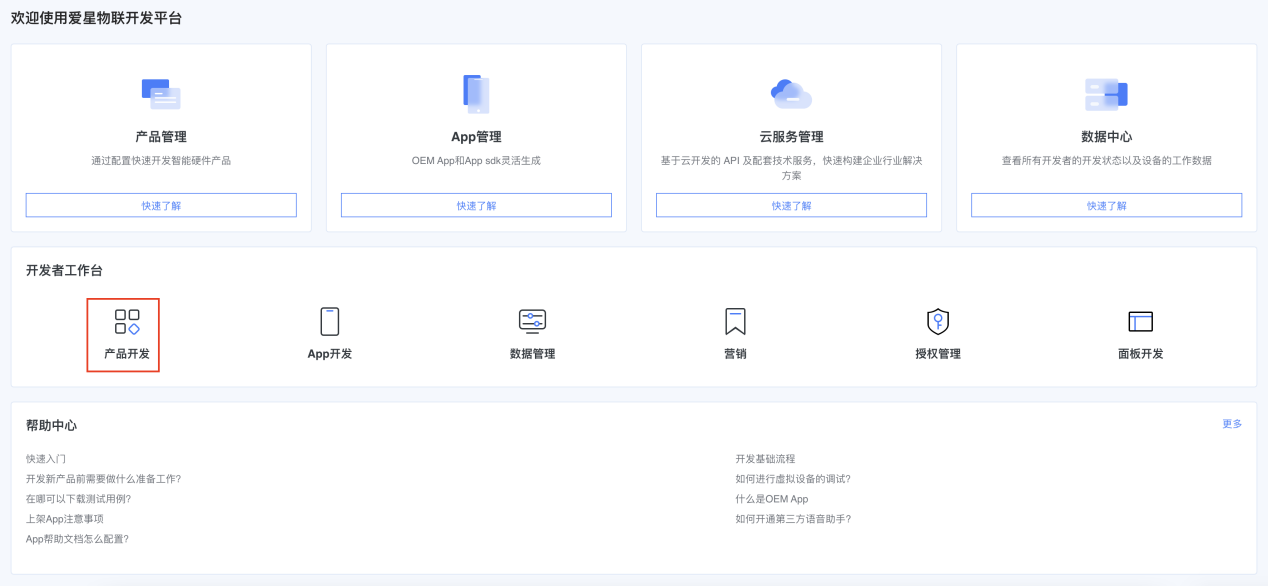
On the home page, click Product Development to open the product list
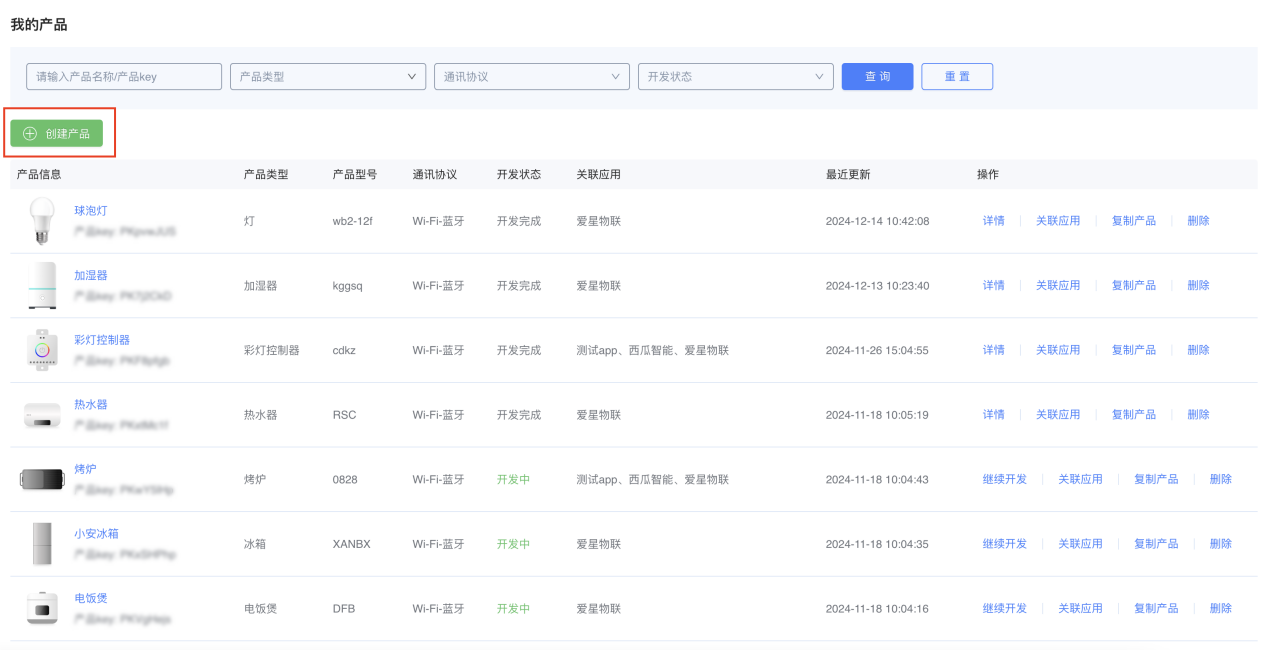
Click Create Product
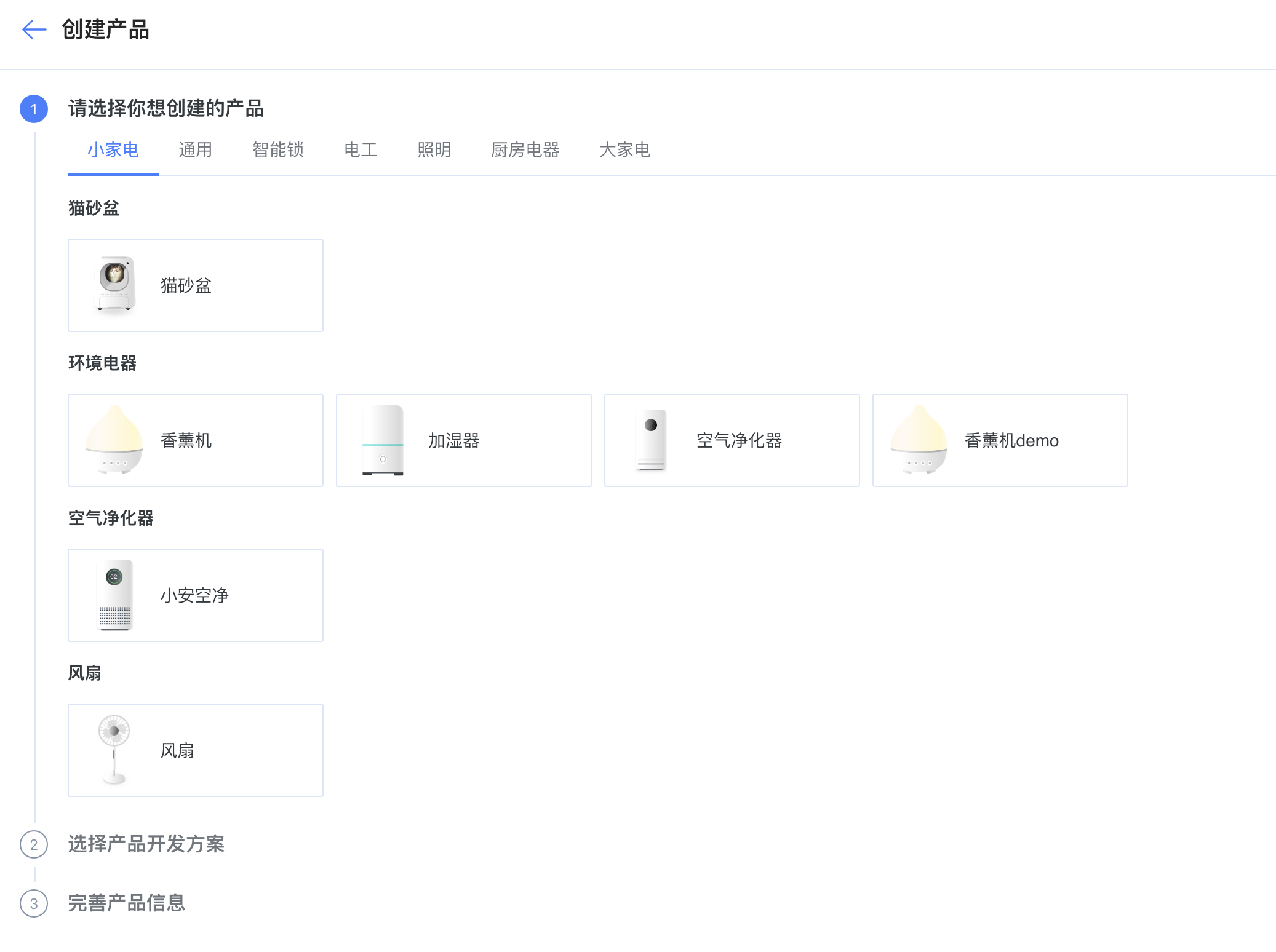
Select a product category
Select a product solution: currently only MCU integration is supported
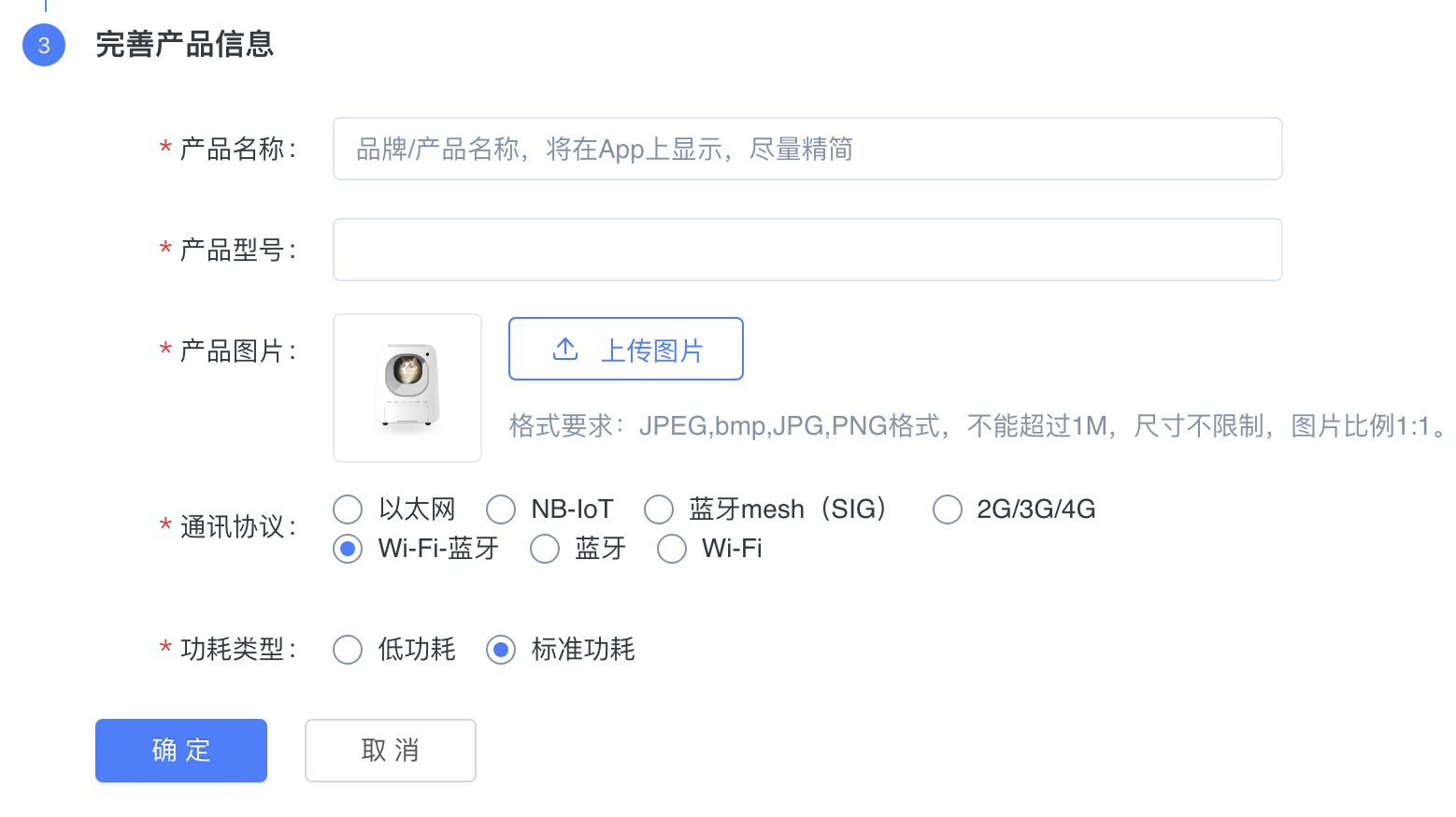
Complete product information: enter product name and model, update the product image, and select communication protocol and power type.
Click OK to create successfully.