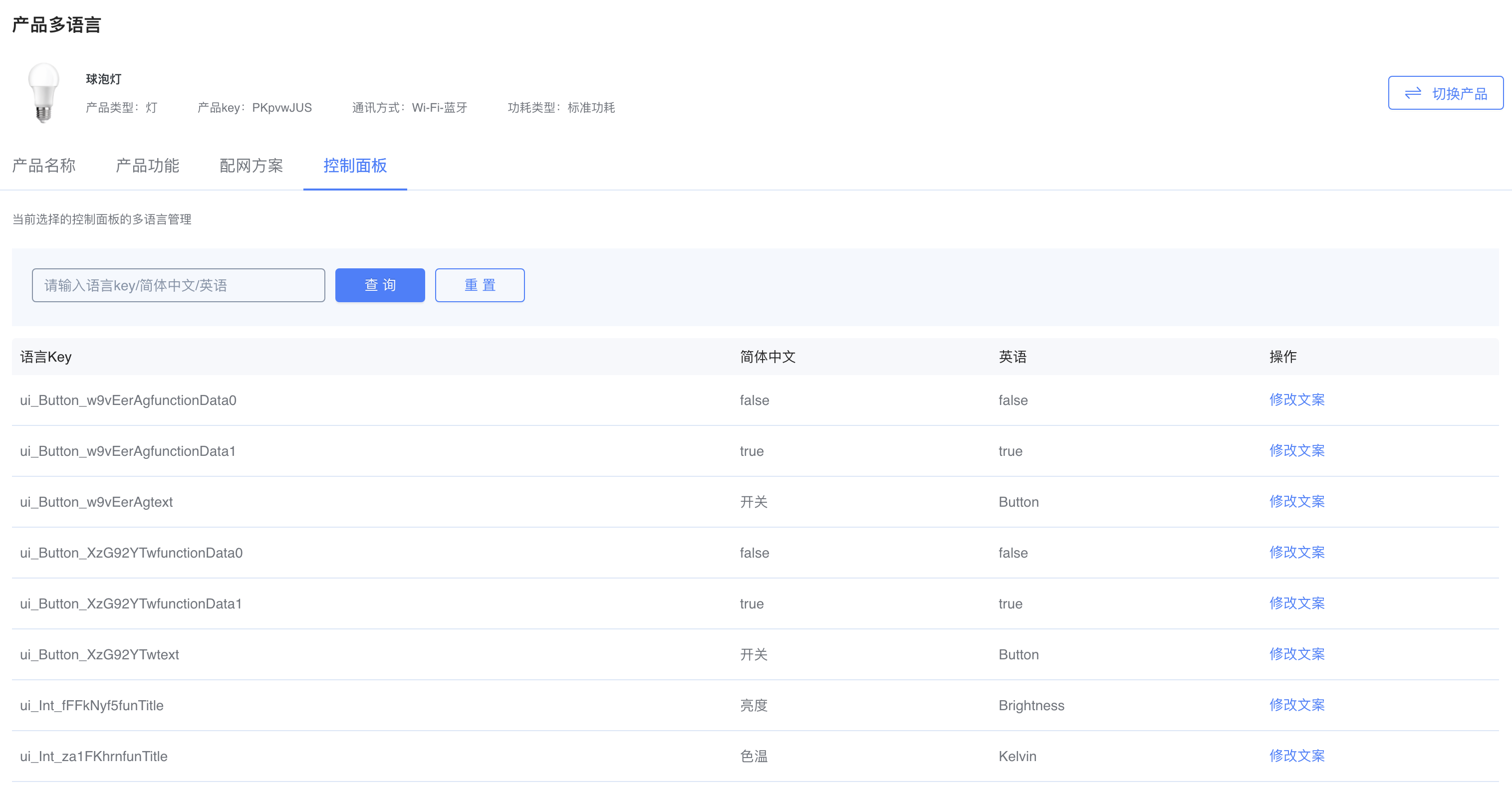
Multilingual Support for Apps and Product Panels
App Multilingual
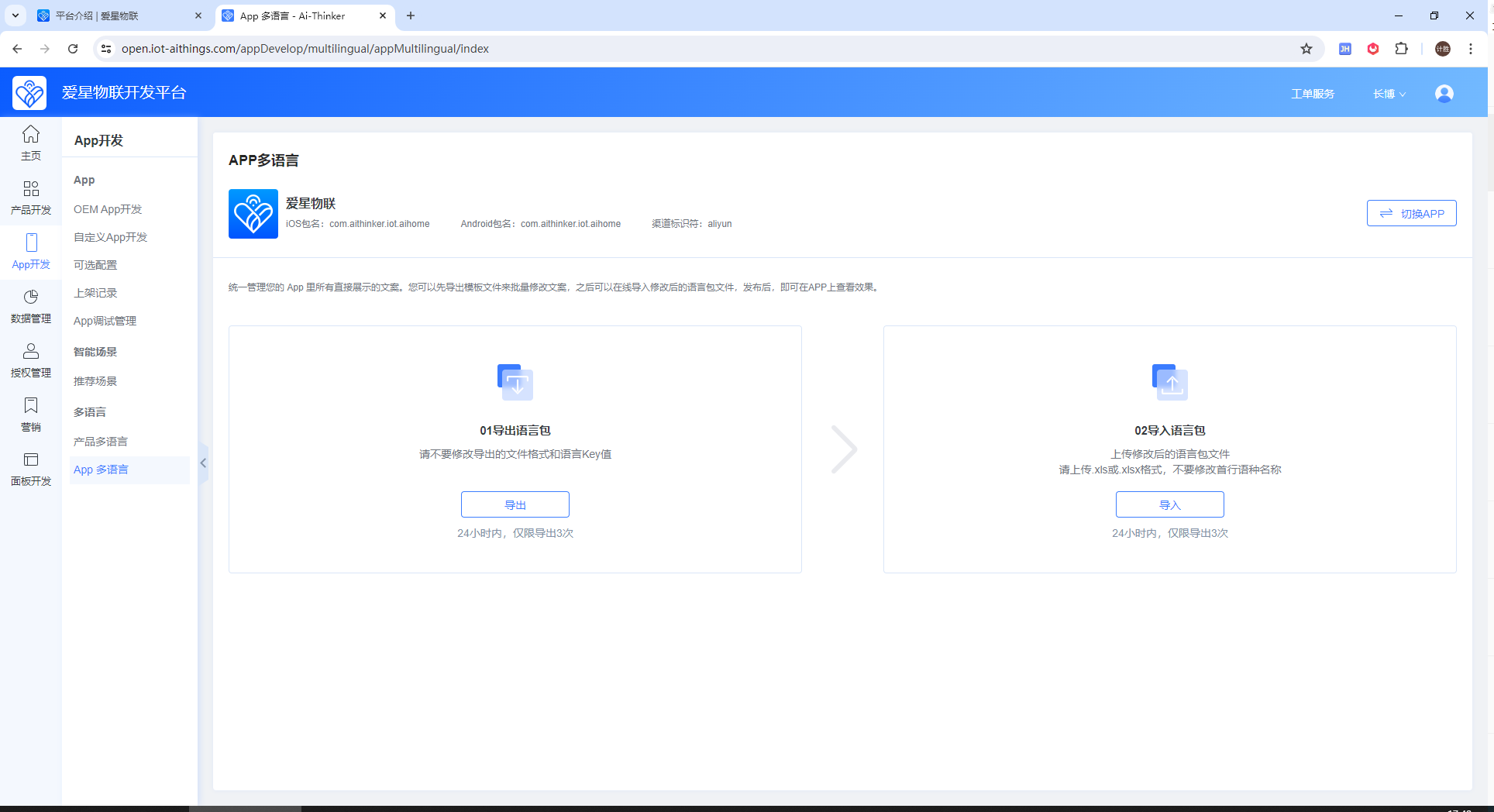
To edit text displayed in the App, go to App Development > App Multilingual and export the Excel file.
Locate the text to update in the Excel file.
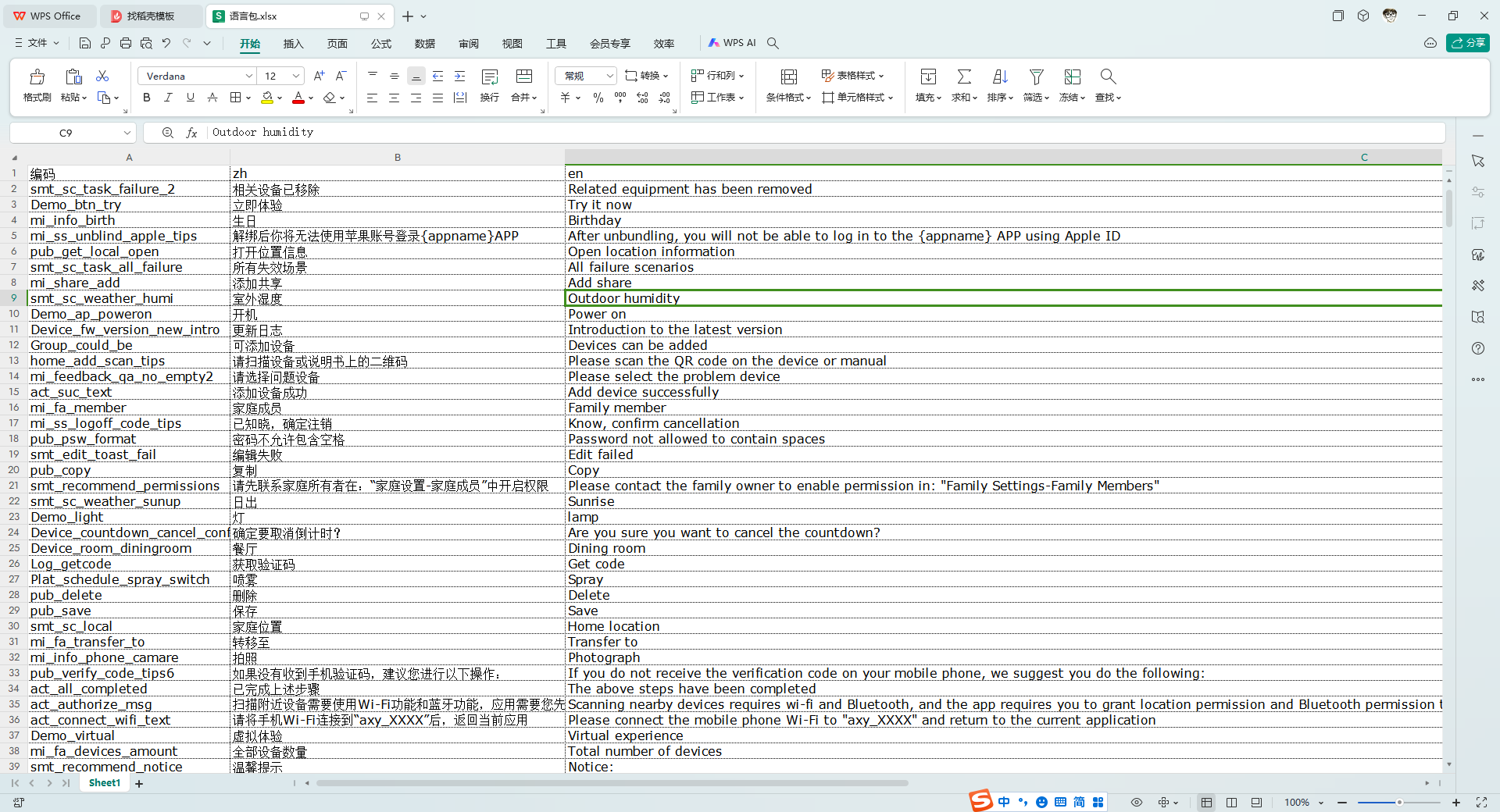
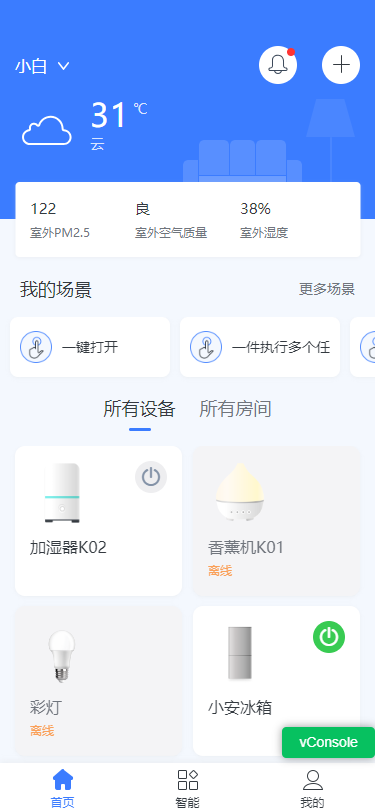
After editing the text, import the Excel file again. Reopen the App to view the updated text.
Product Panel Multilingual
To edit text displayed on product panels, go to App Development > Product Multilingual. You can update the following content:
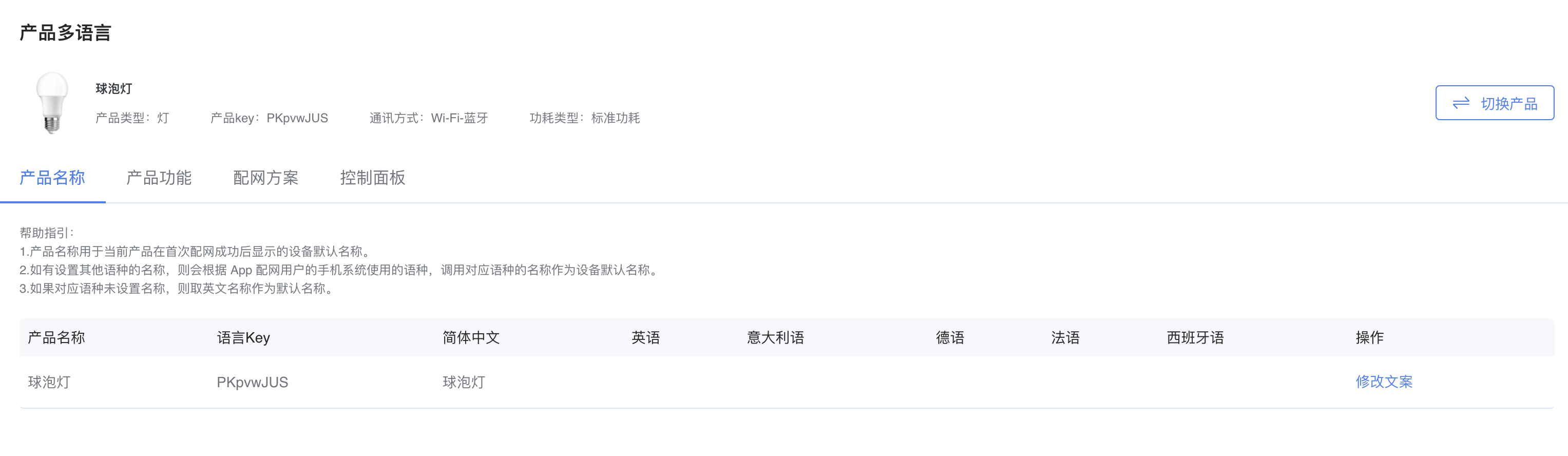
Edit product name
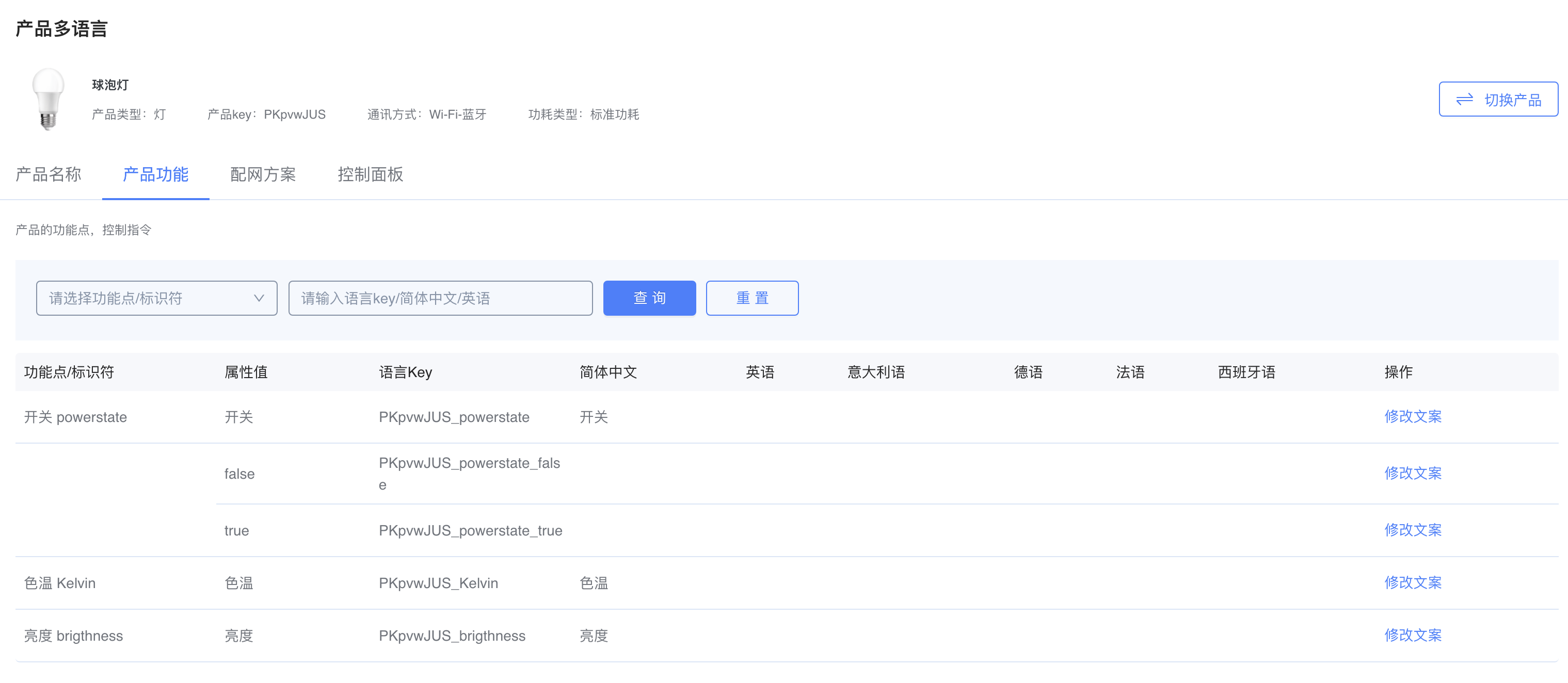
Edit product feature text
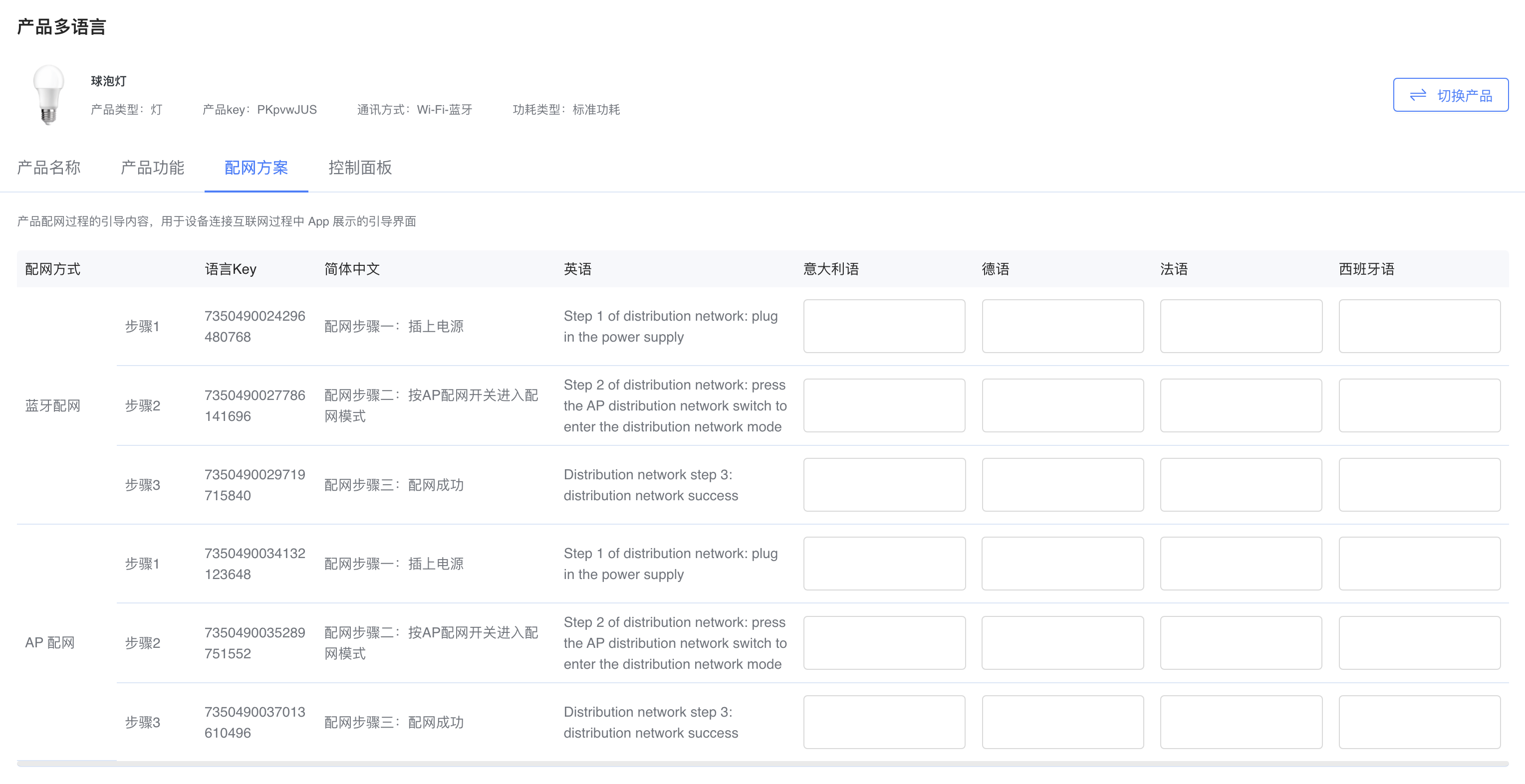
Edit network provisioning instructions
Edit control panel text