JPush (Jiguang Push)
Prerequisites
You have registered a Jiguang account.
Configuration
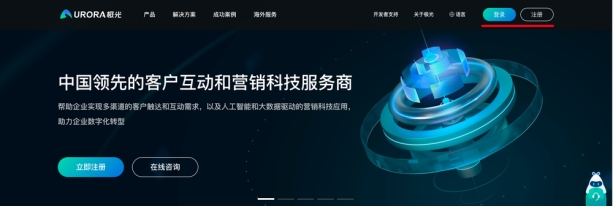
- Open the JPush official website and sign in.
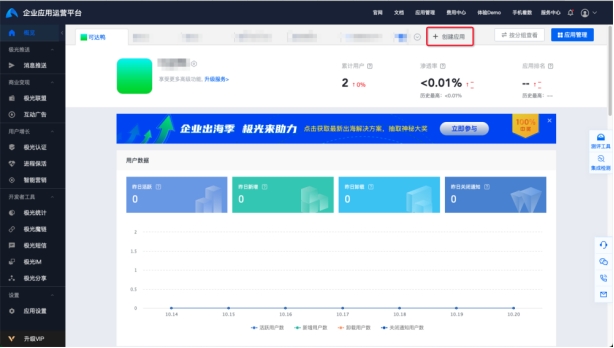
- Click Create App.
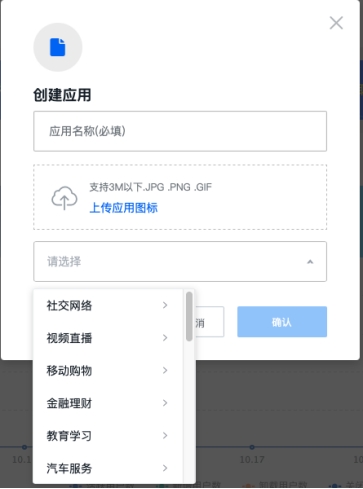
- Enter the App Name, upload an app icon (optional), select the Type, then click Confirm.
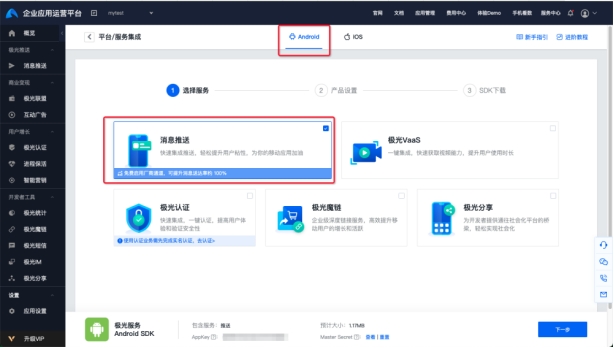
- Select Android, select Push Messaging, then click Next.
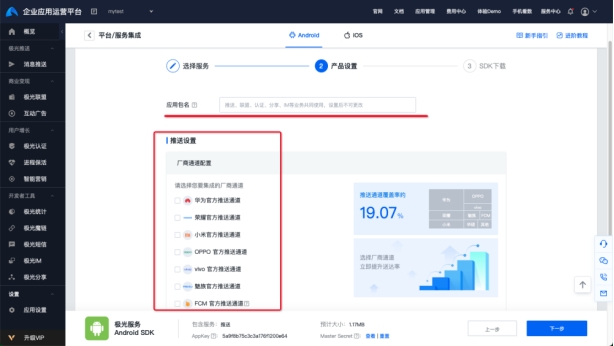
- Enter the Package Name copied from the Ubases IoT development platform. Do not select Vendor Channel Configuration because OEM vendor push services are configured separately. Click Next.
- Click View to show the Master Secret.
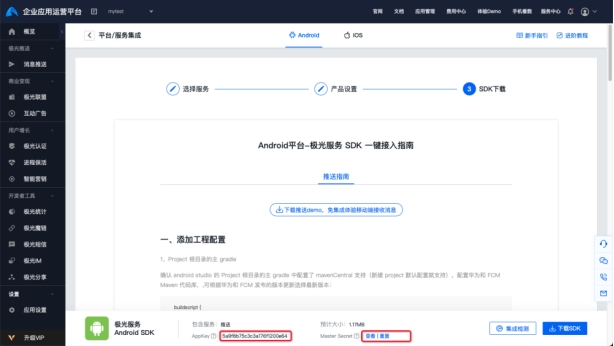
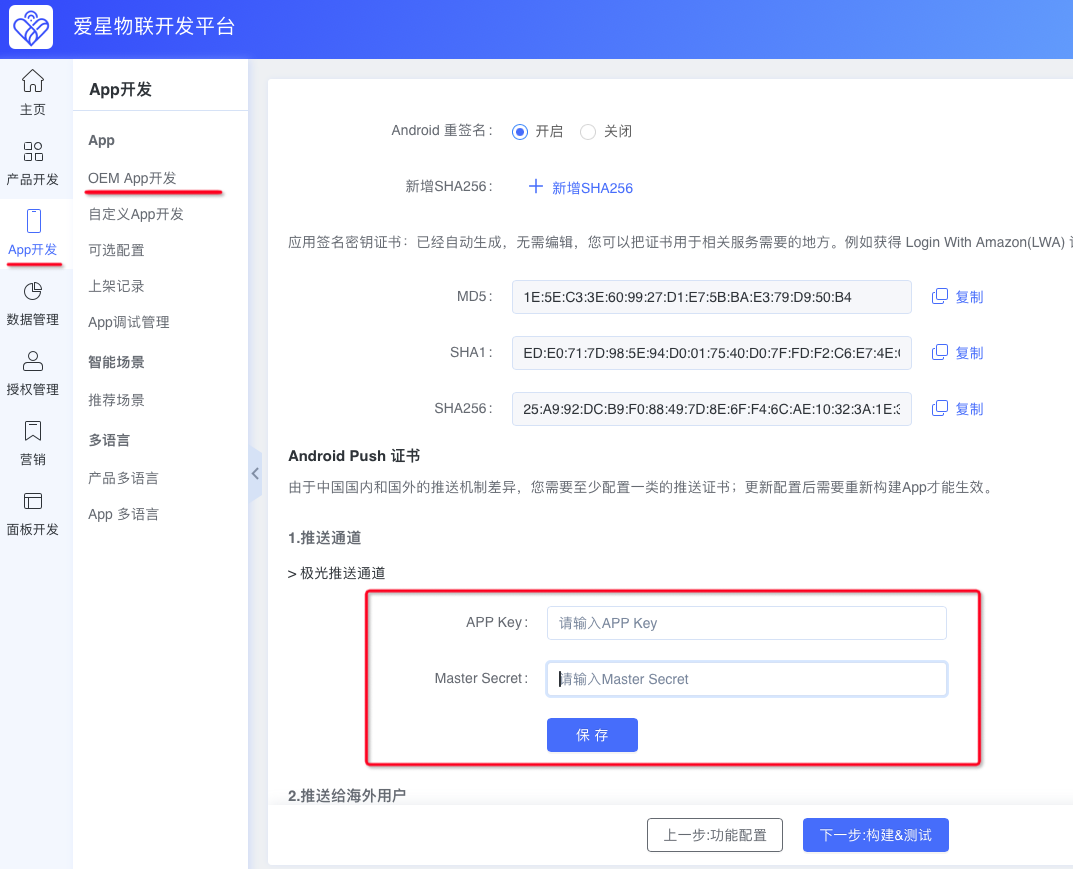
- On the Ubases IoT development platform, go to App Development > OEM App Development > Store Listing Essentials > Android Certificate > Android Push Certificate. Paste the App Key and Master Secret from the previous step, then click Save to complete the configuration.