

Embedded Panel Generator
The drag-and-drop embedded panel generator helps embedded-system developers create and customize graphical user interfaces (GUIs) for embedded devices efficiently.
With the tool’s intuitive interface, developers can design and customize embedded device UIs by dragging, placing, and configuring graphic elements, controls, and components. These include buttons, sliders, text boxes, images, animations, and more. Users can arrange layouts and customize styles based on actual needs.
1. Create a Panel
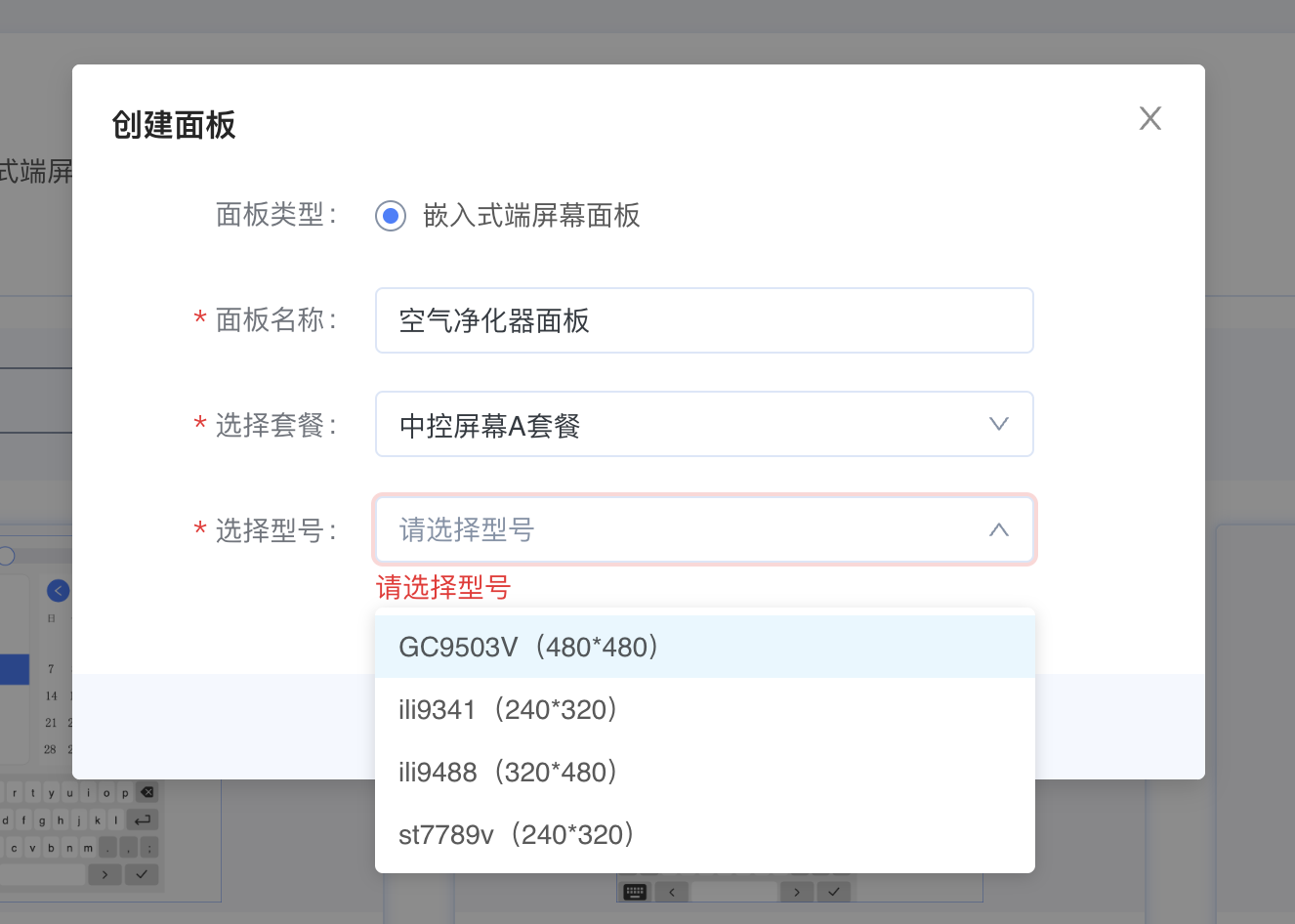
Select a service package and hardware model. The currently supported screen resolutions are 480 × 480, 240 × 320, and 320 × 480 pixels.
2. Edit the Panel
Drag components onto the panel and define styles and events for each component;
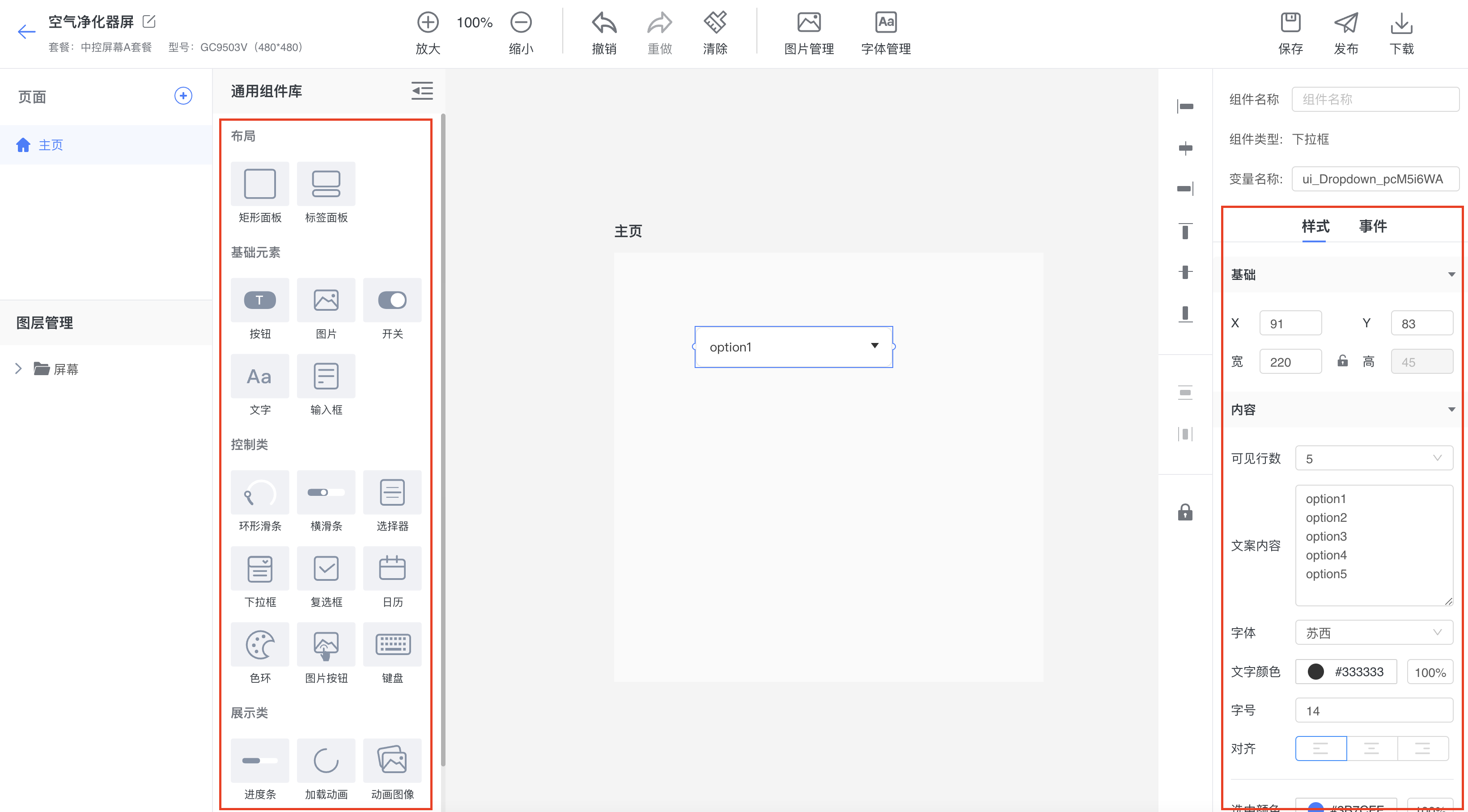
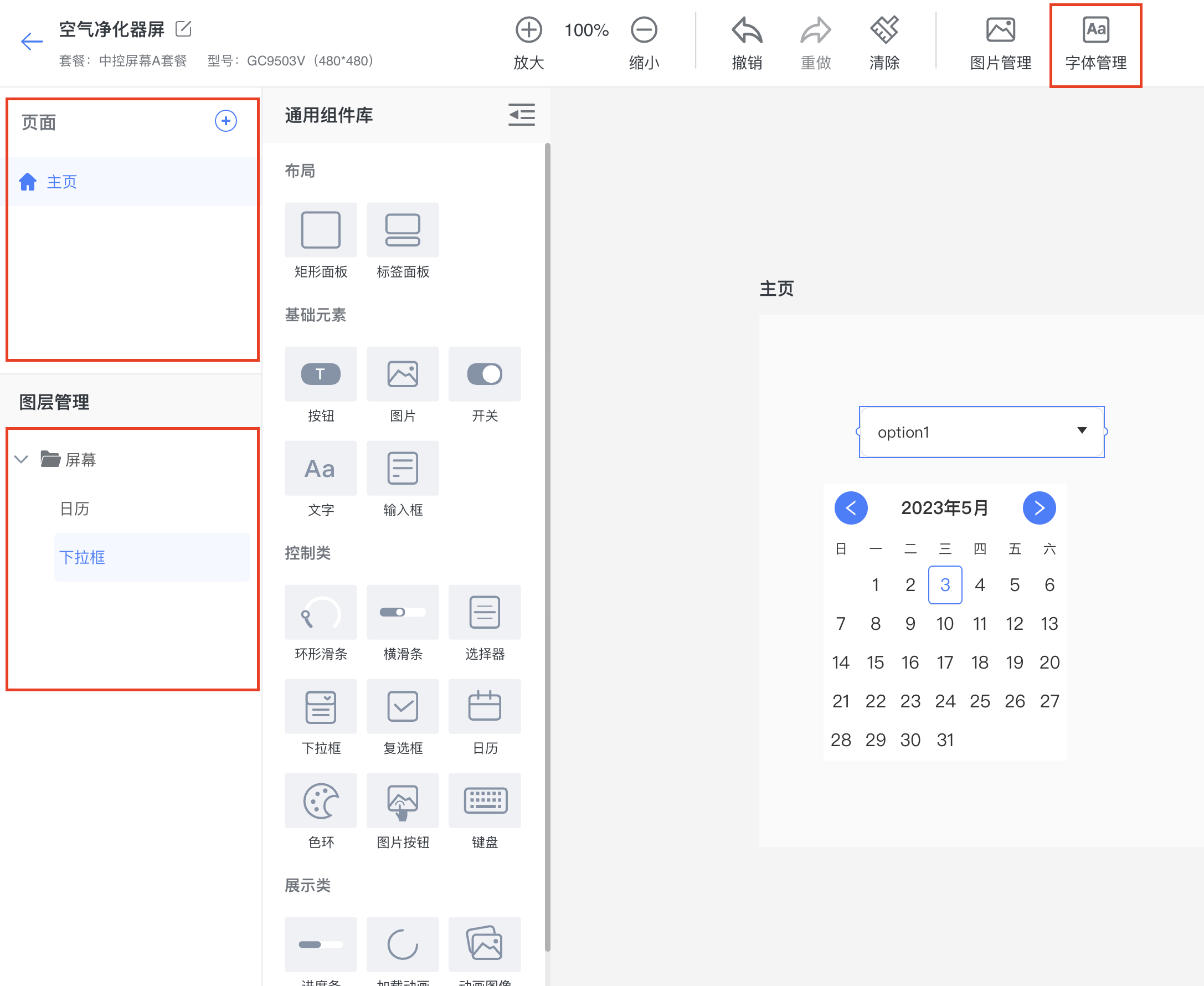
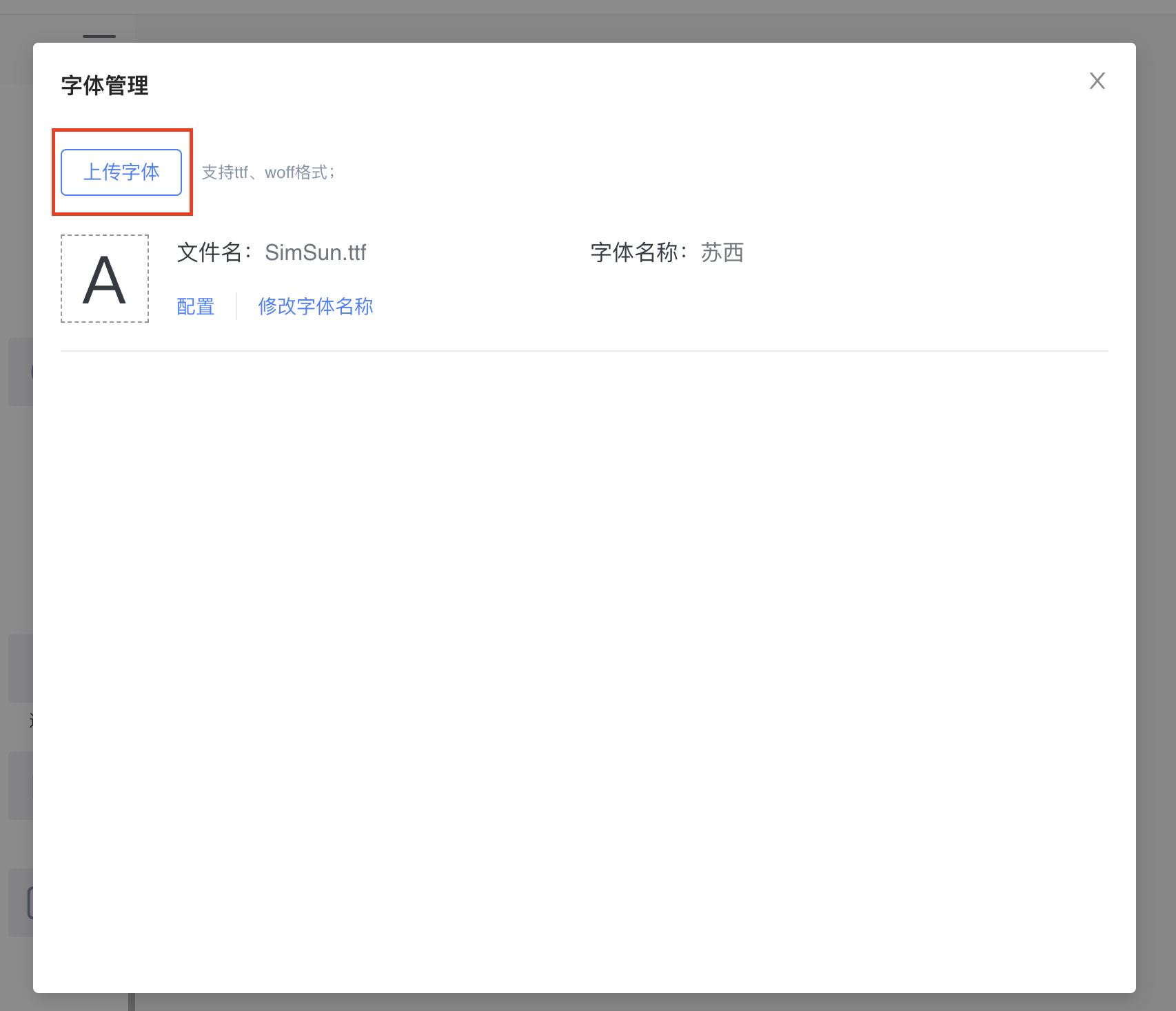
Supports multi-page creation, layer management, font management, and more.
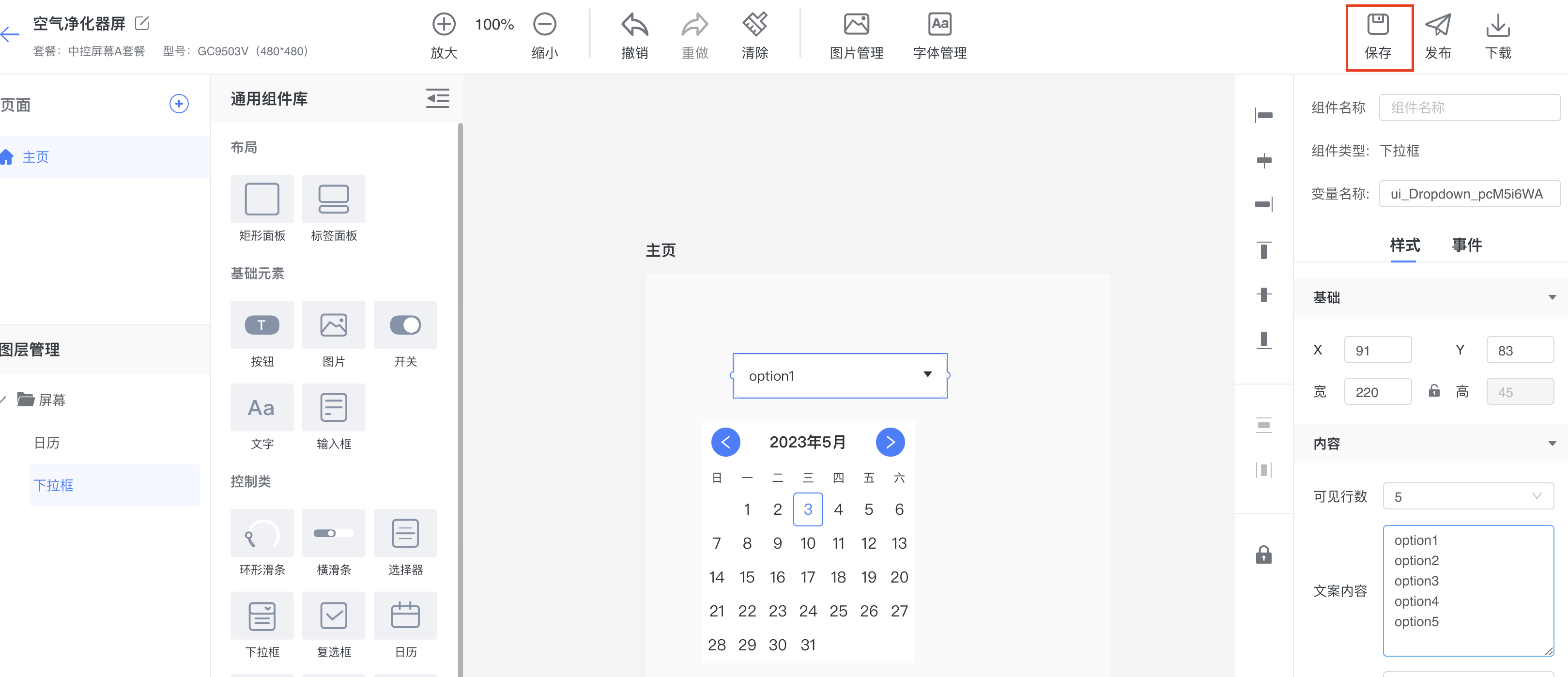
3. Save the Panel
After editing panel features, save the panel promptly to avoid losing changes.
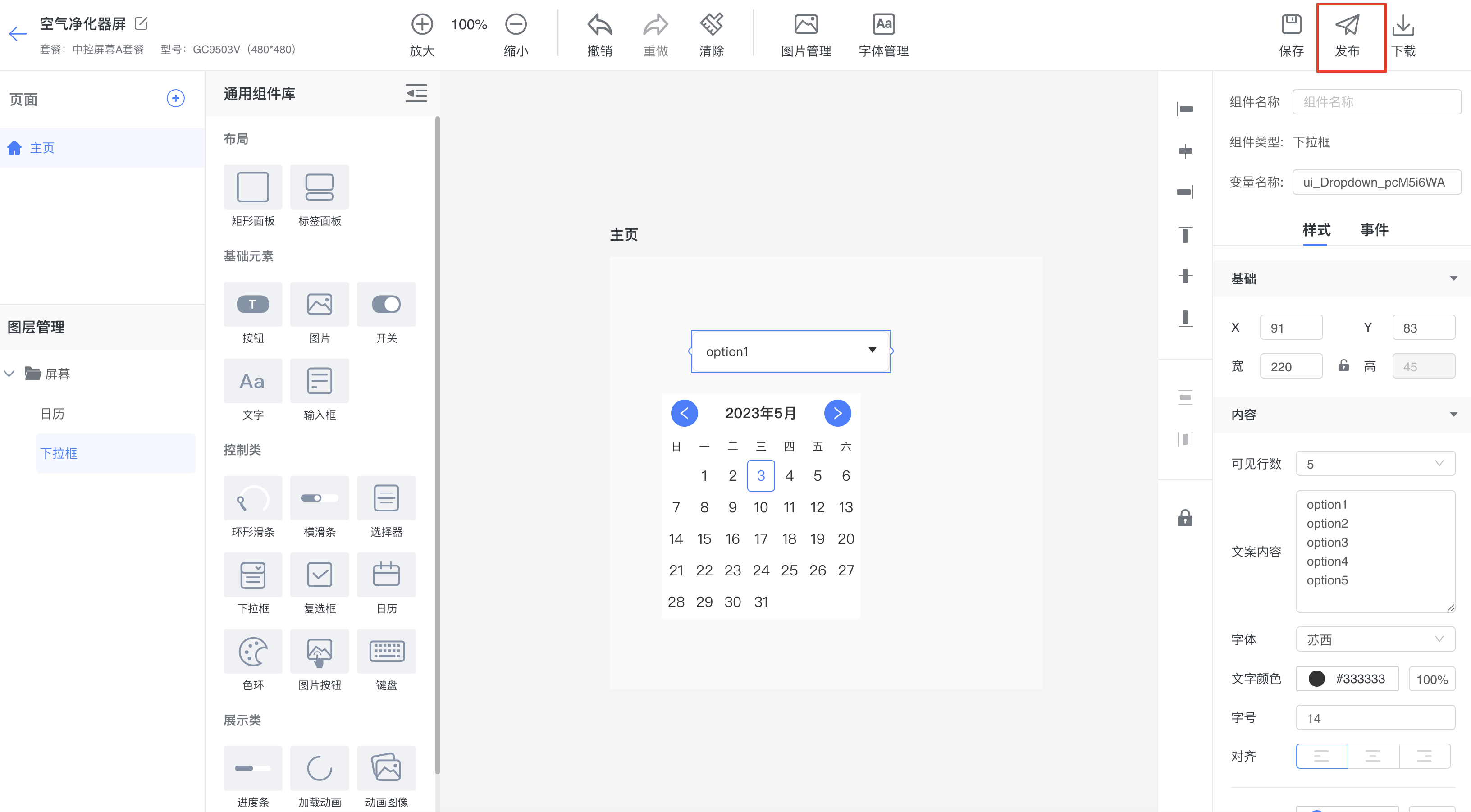
4. Publish the Panel
After the panel design is complete, click Publish Panel to package the panel code and upload it to the server.
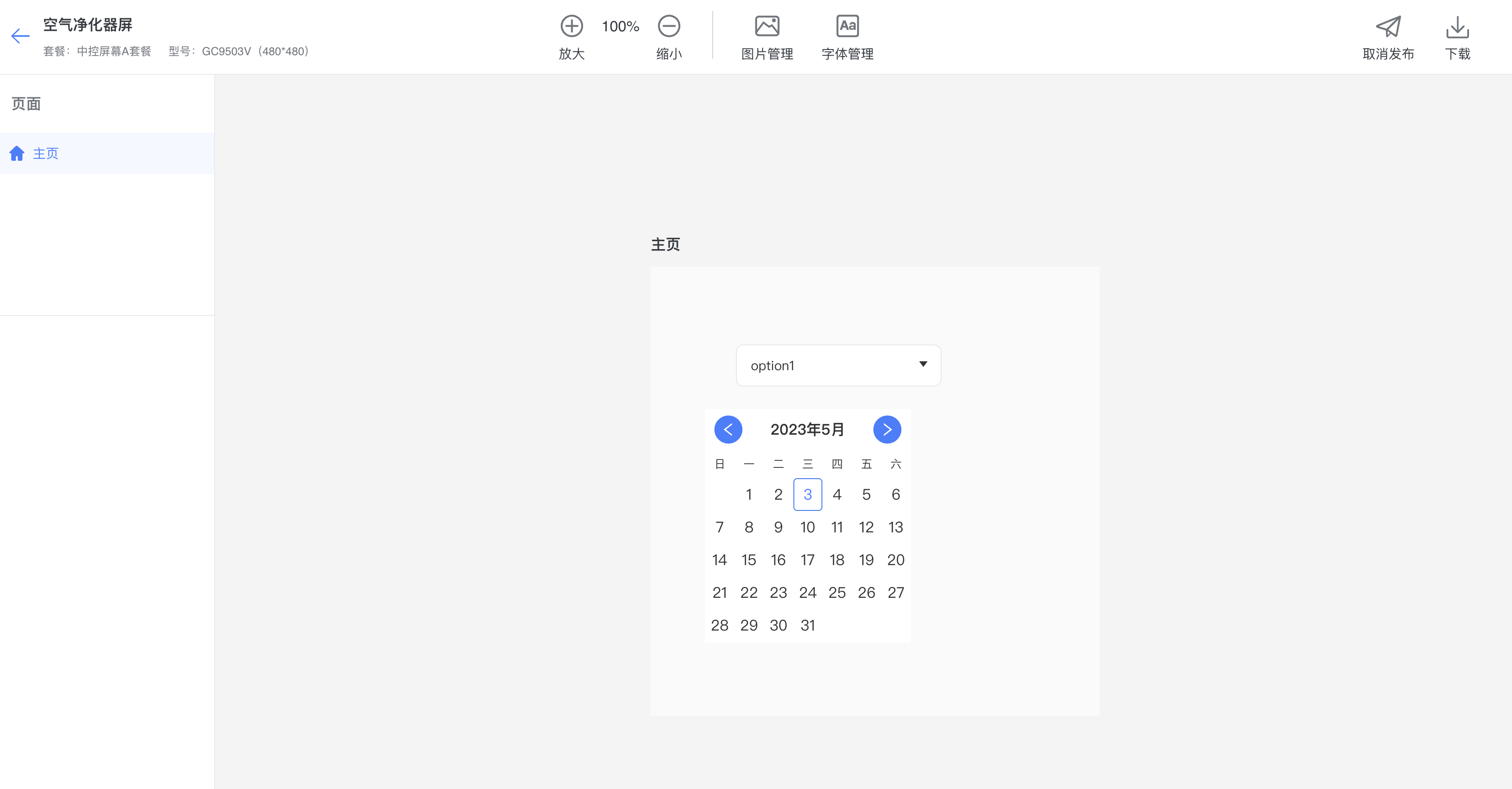
After publication succeeds, the panel enters the Published state and becomes read-only. Unpublish it before making further edits.
5. Download the Panel
Download the panel ZIP package locally, then integrate it into your embedded project so it can run on the embedded device.