OEM Mini Program
The Ubases IoT OEM mini program provides a flexible and efficient way to develop mini programs. It meets customization needs while reducing the technical and staffing costs of development from scratch. It supports network provisioning, control, and management for devices across multiple brands and categories, enabling more smart-device experiences. The following sections explain how to quickly build and launch your own branded OEM WeChat Mini Program on the Ubases IoT platform.
I. Create a Mini Program
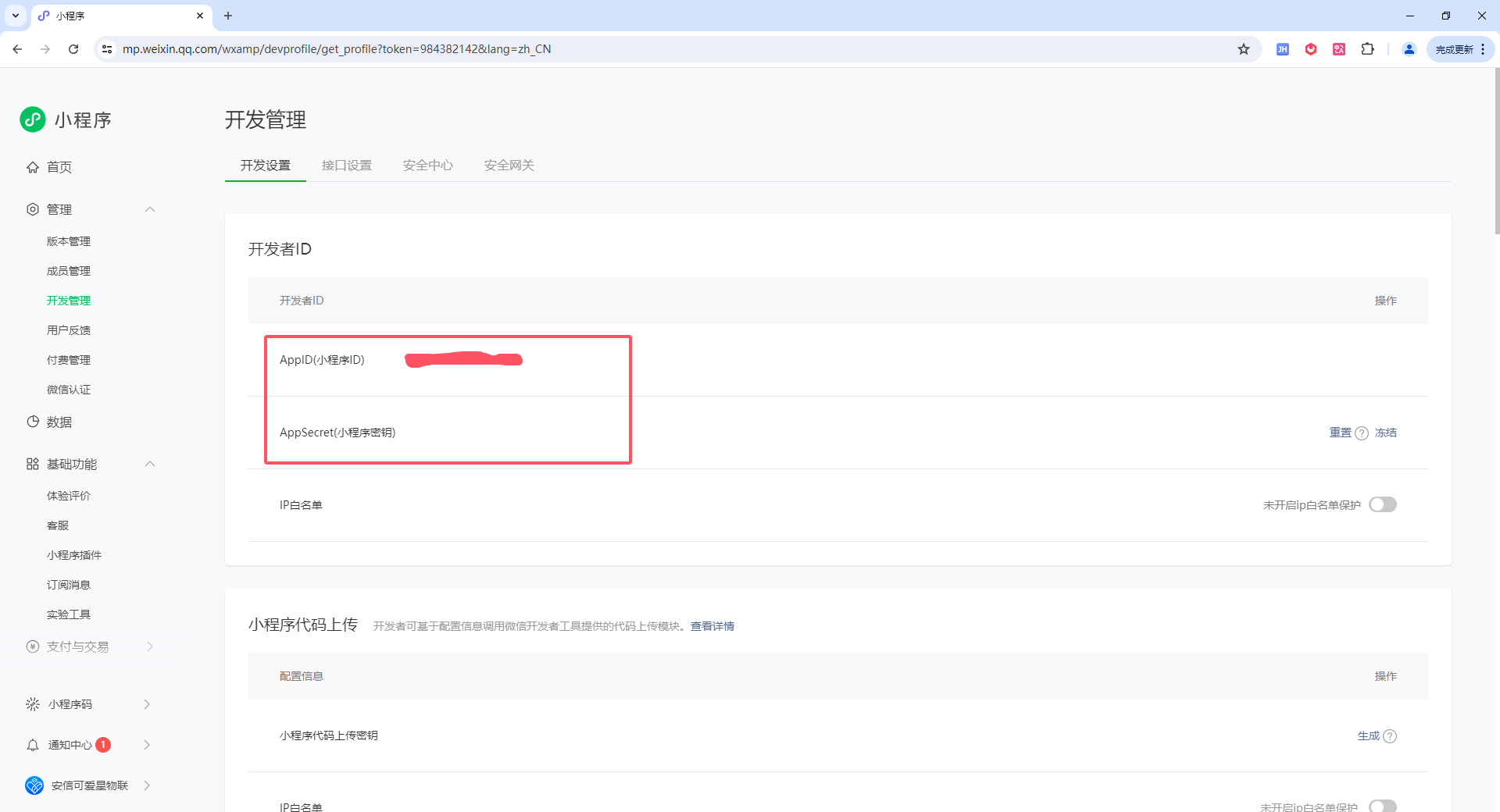
First, sign in to the WeChat Mini Program Platform and copy the AppID (Mini Program ID) and AppSecret (Mini Program Secret).
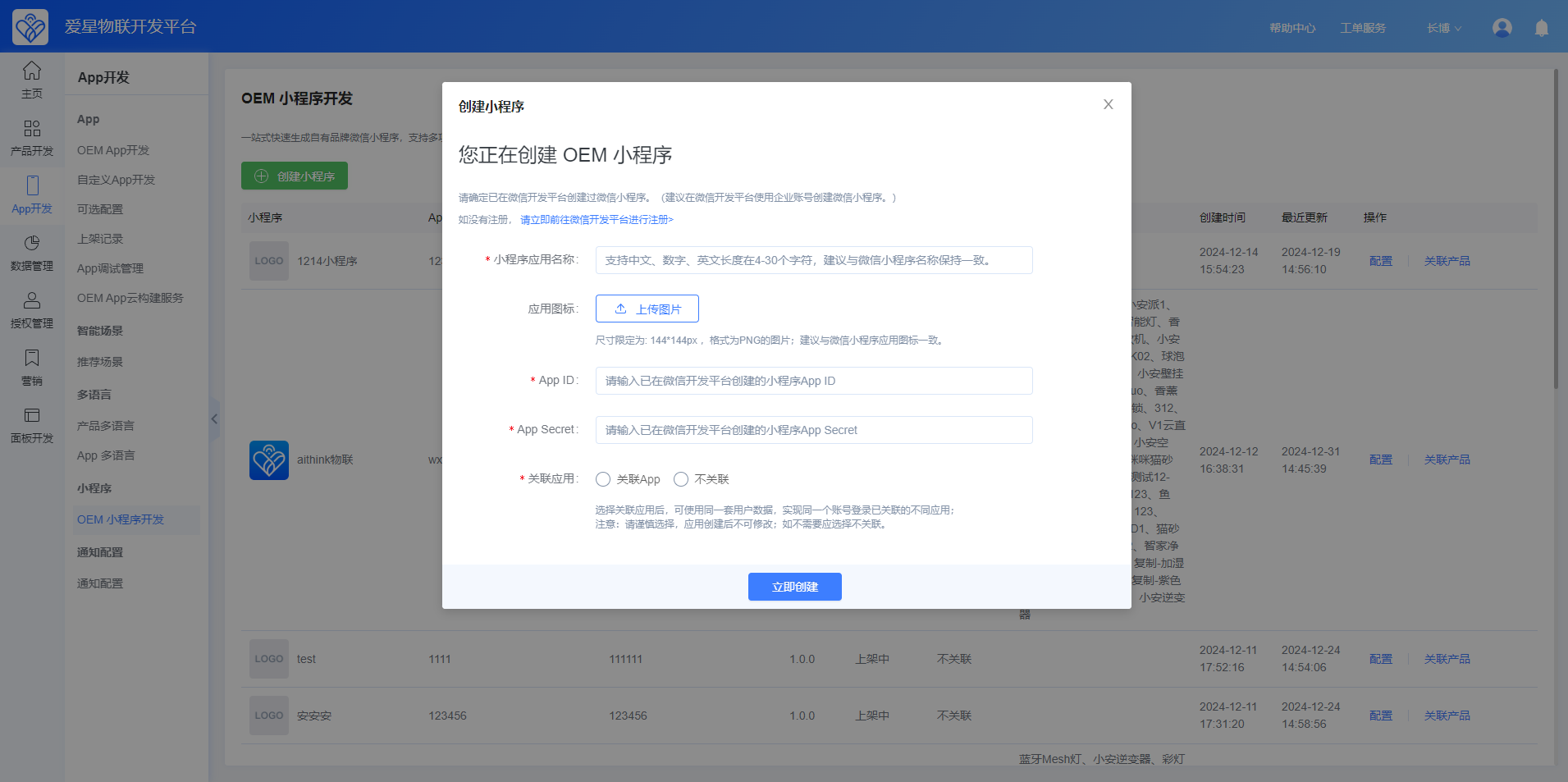
Sign in to the Ubases IoT Open Platform, then go to App Development > OEM Mini Program Development > Create Mini Program. Enter the required information in the dialog.
II. Configure the Mini Program
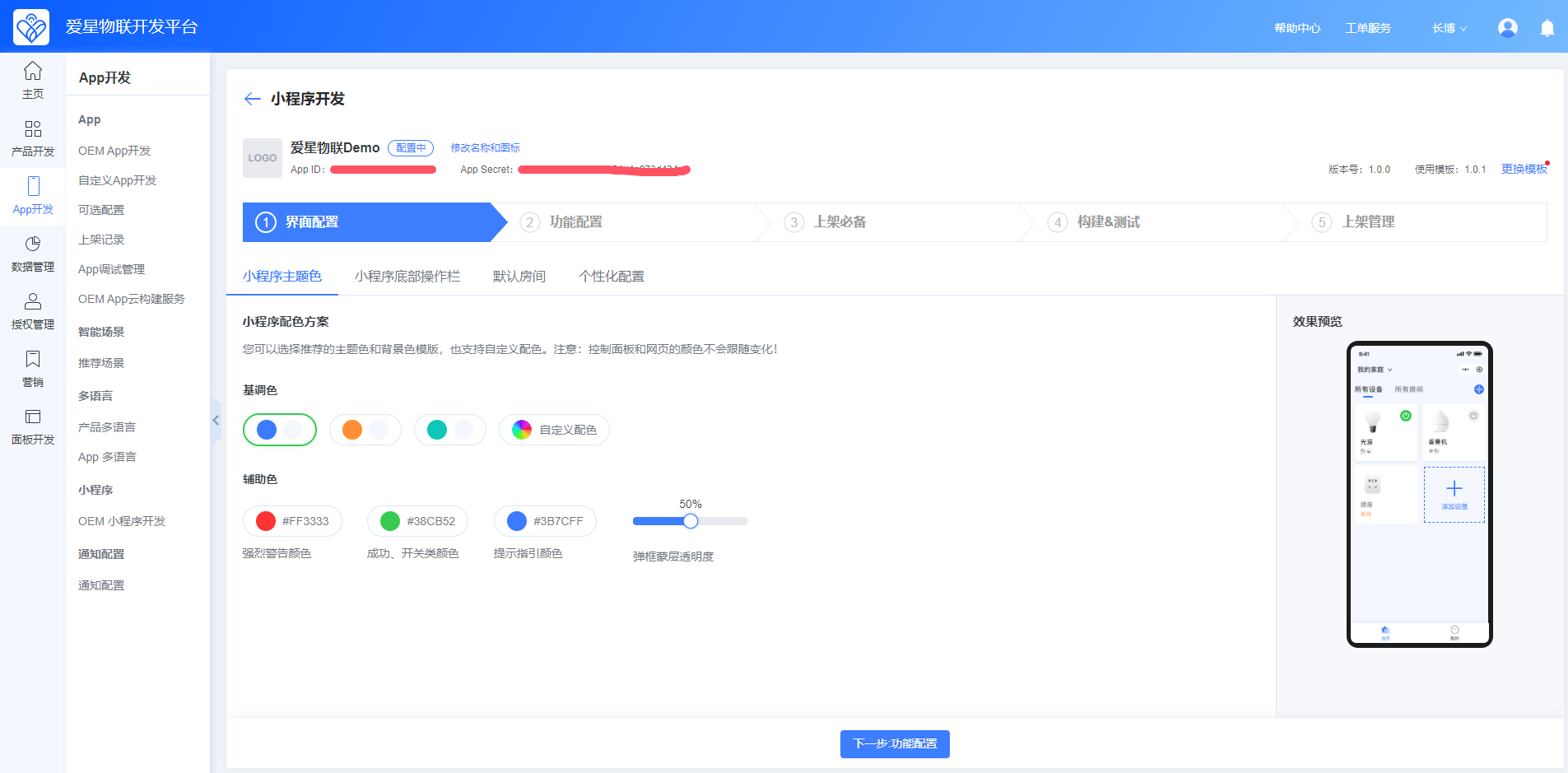
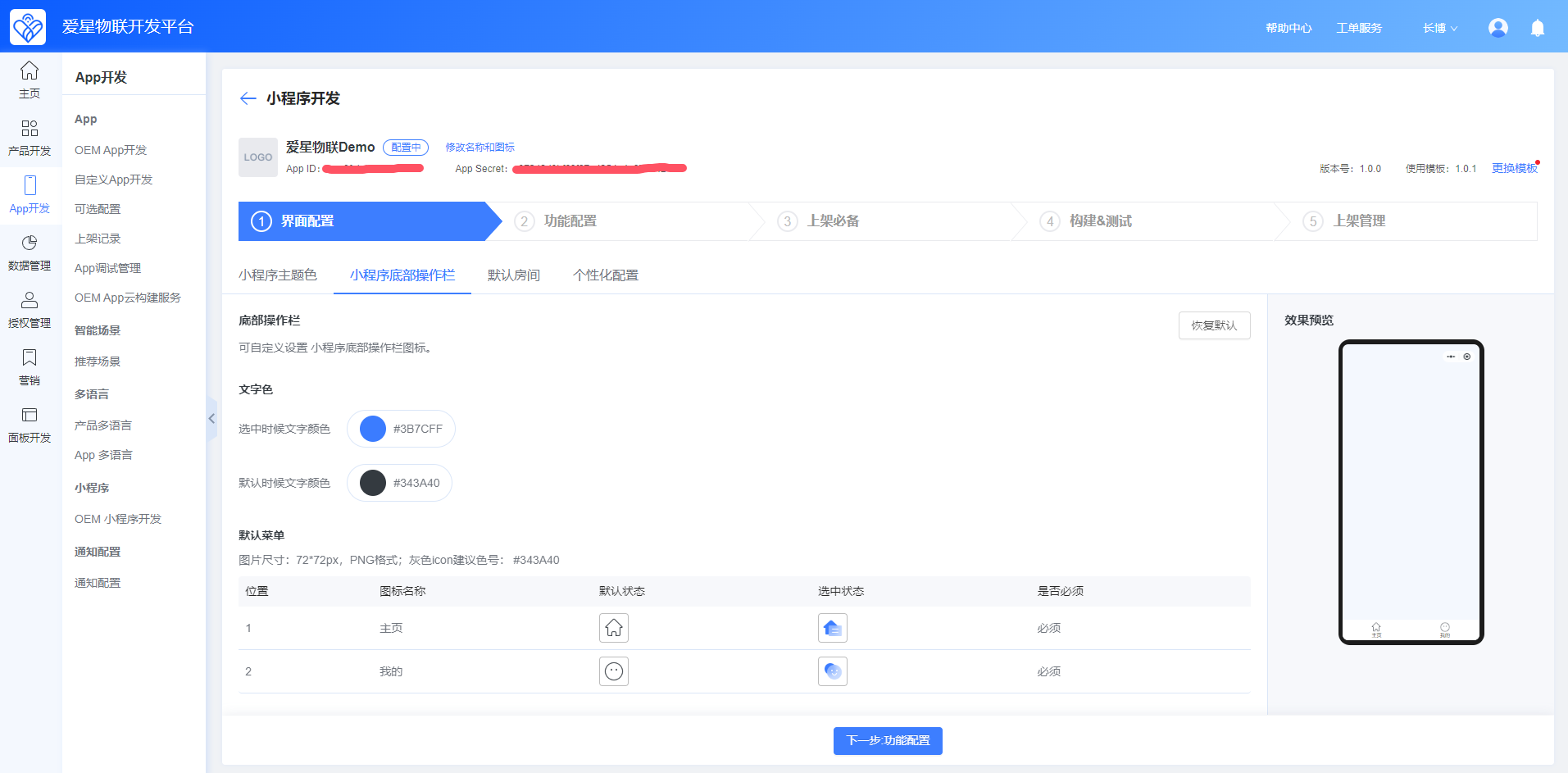
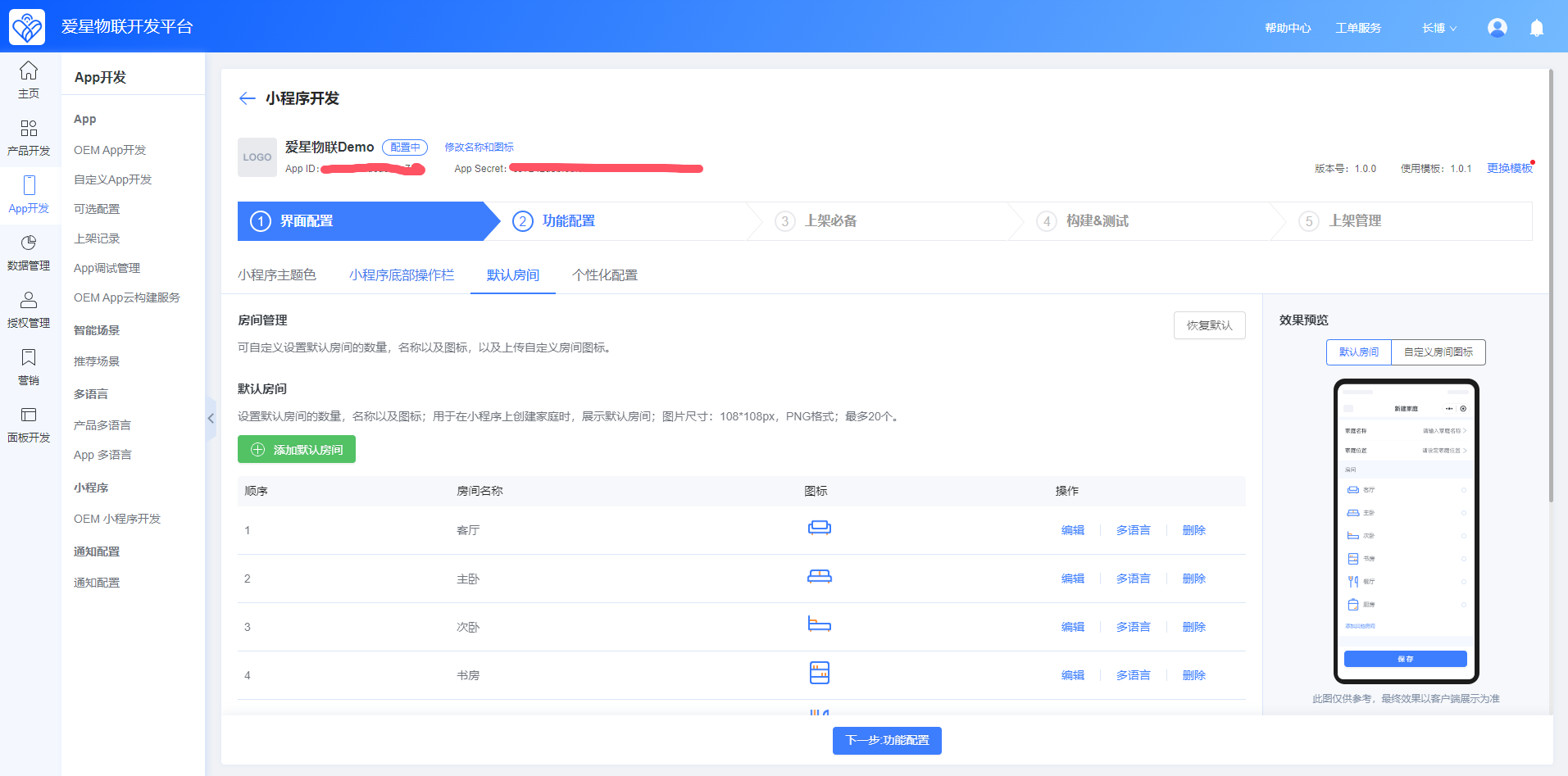
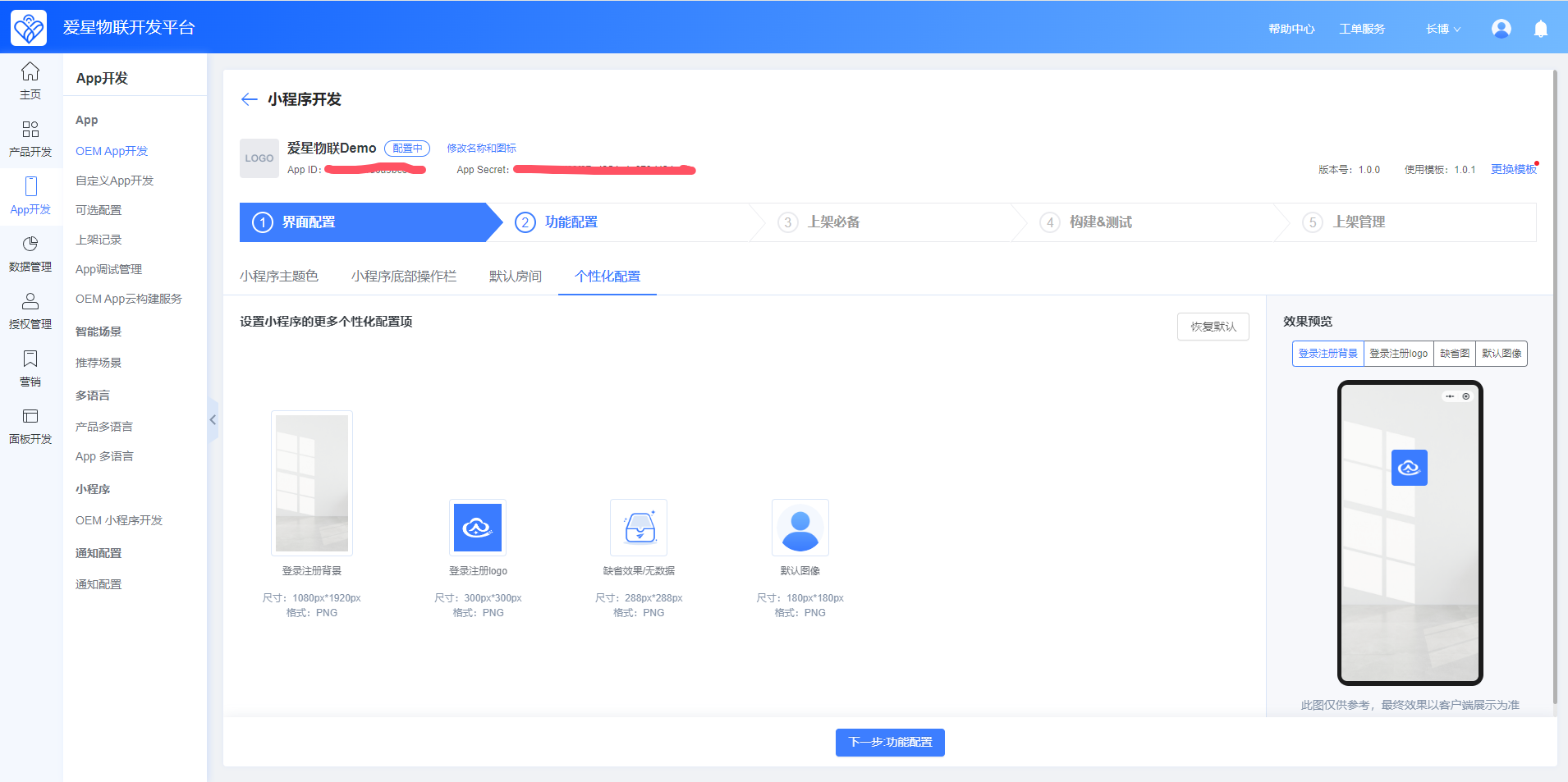
You can configure the mini program's theme colors, bottom tab bar, default rooms, personalized assets, and features. After making changes, preview them in the panel on the right. The published mini program will use these settings.
III. Build the Mini Program
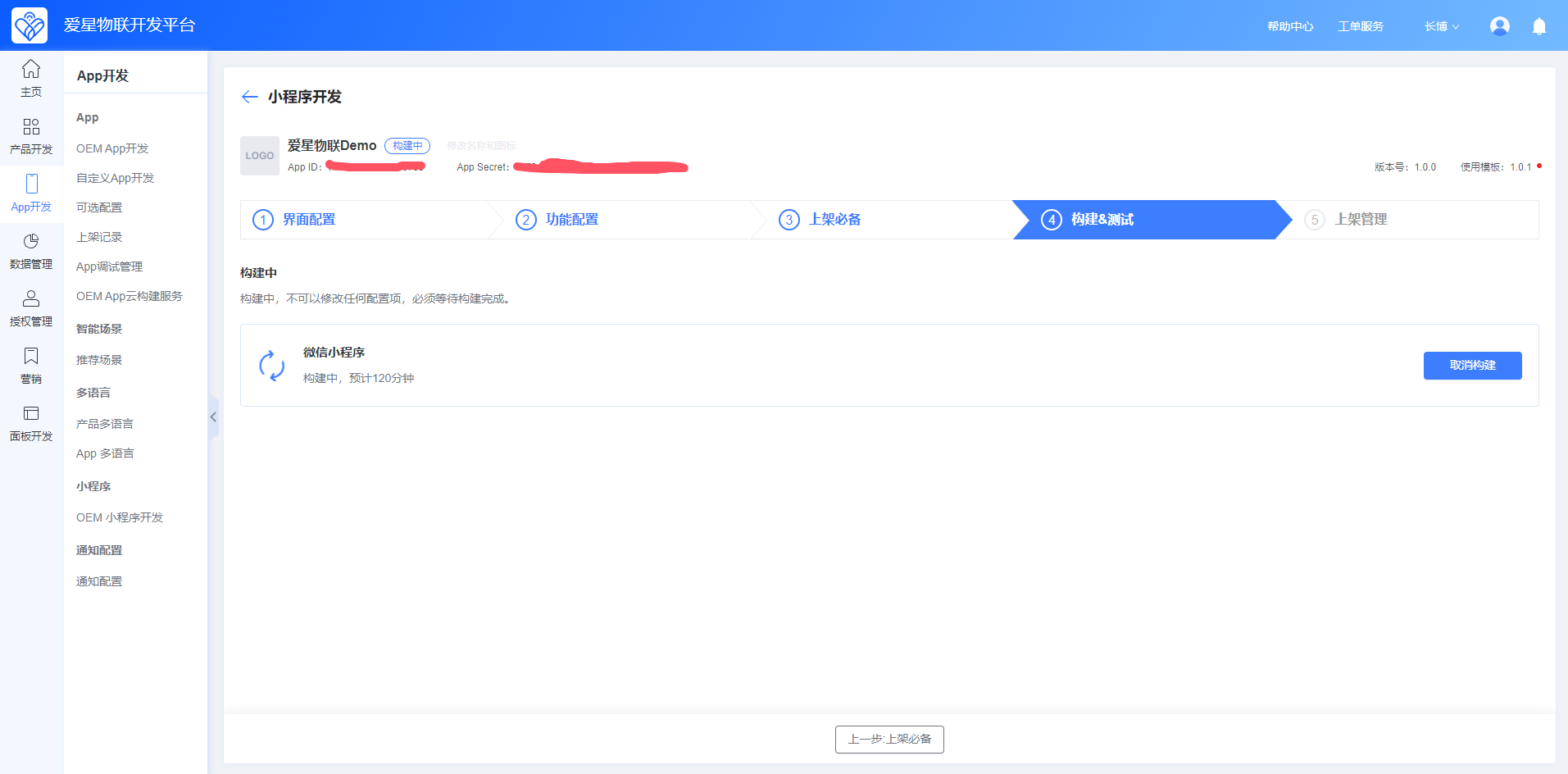
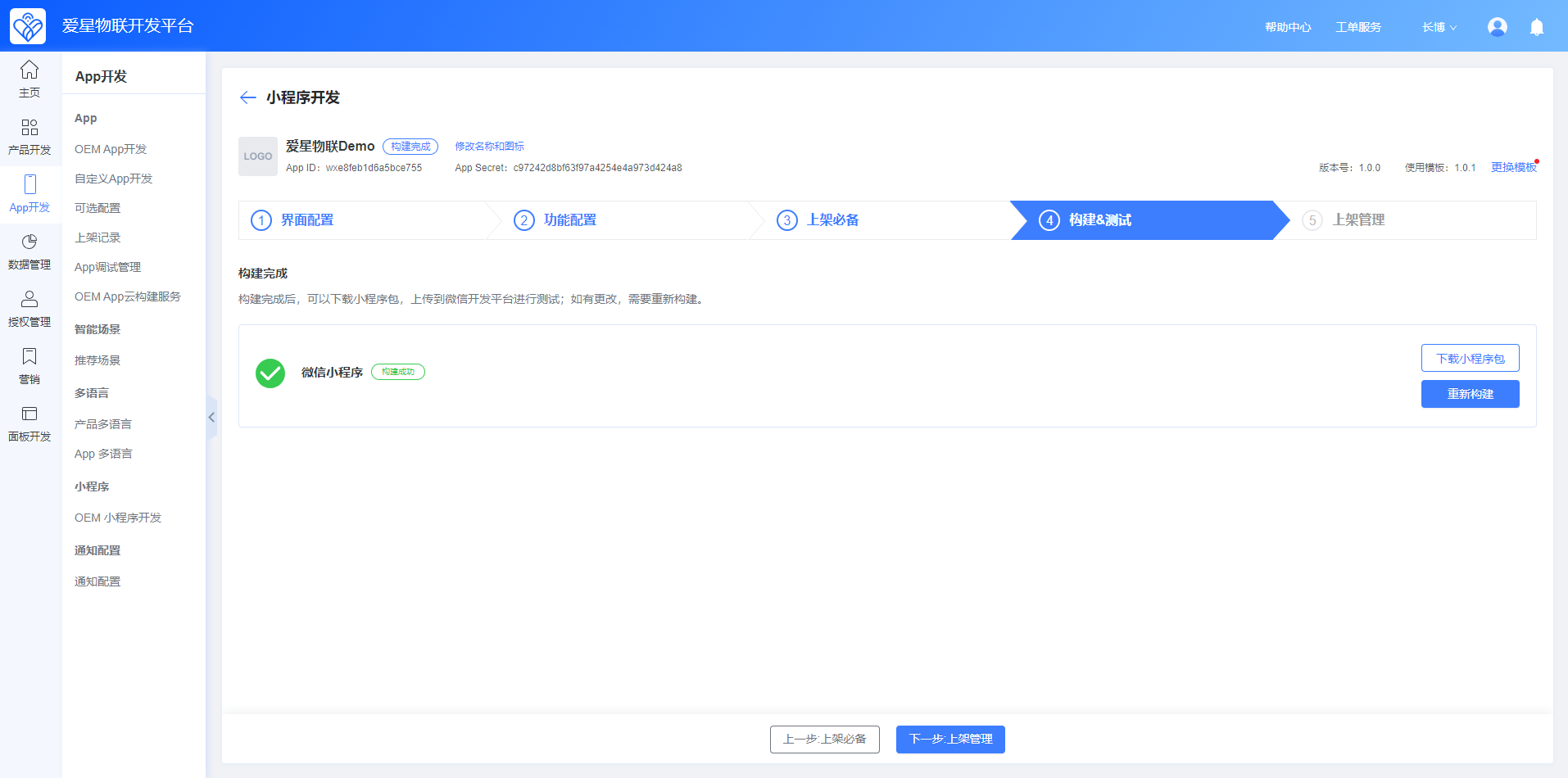
Build the mini program with the selected template version. The build usually completes within 120 minutes. You can download the mini program code package after the build finishes.
IV. Upload to WeChat Mini Program
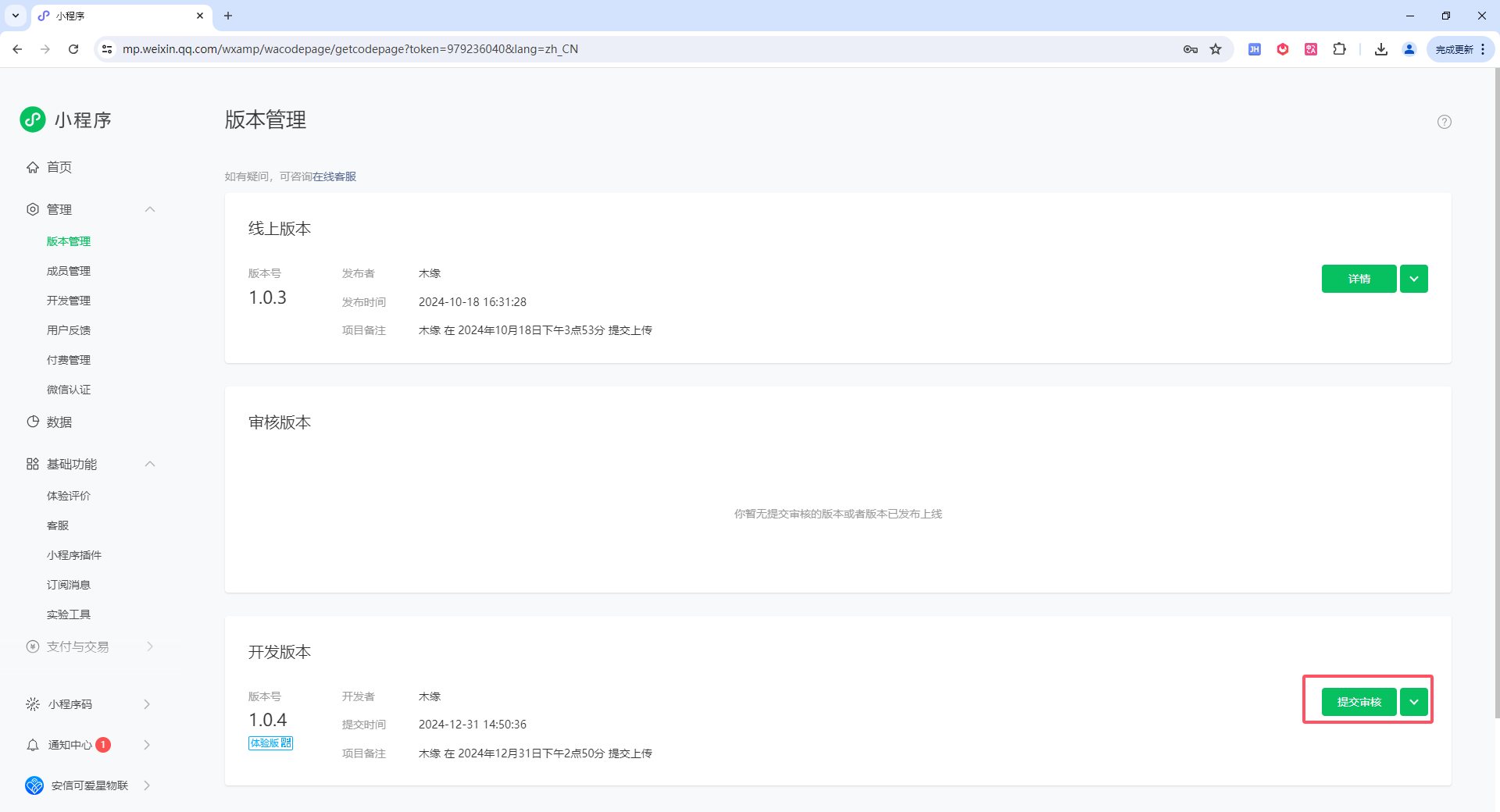
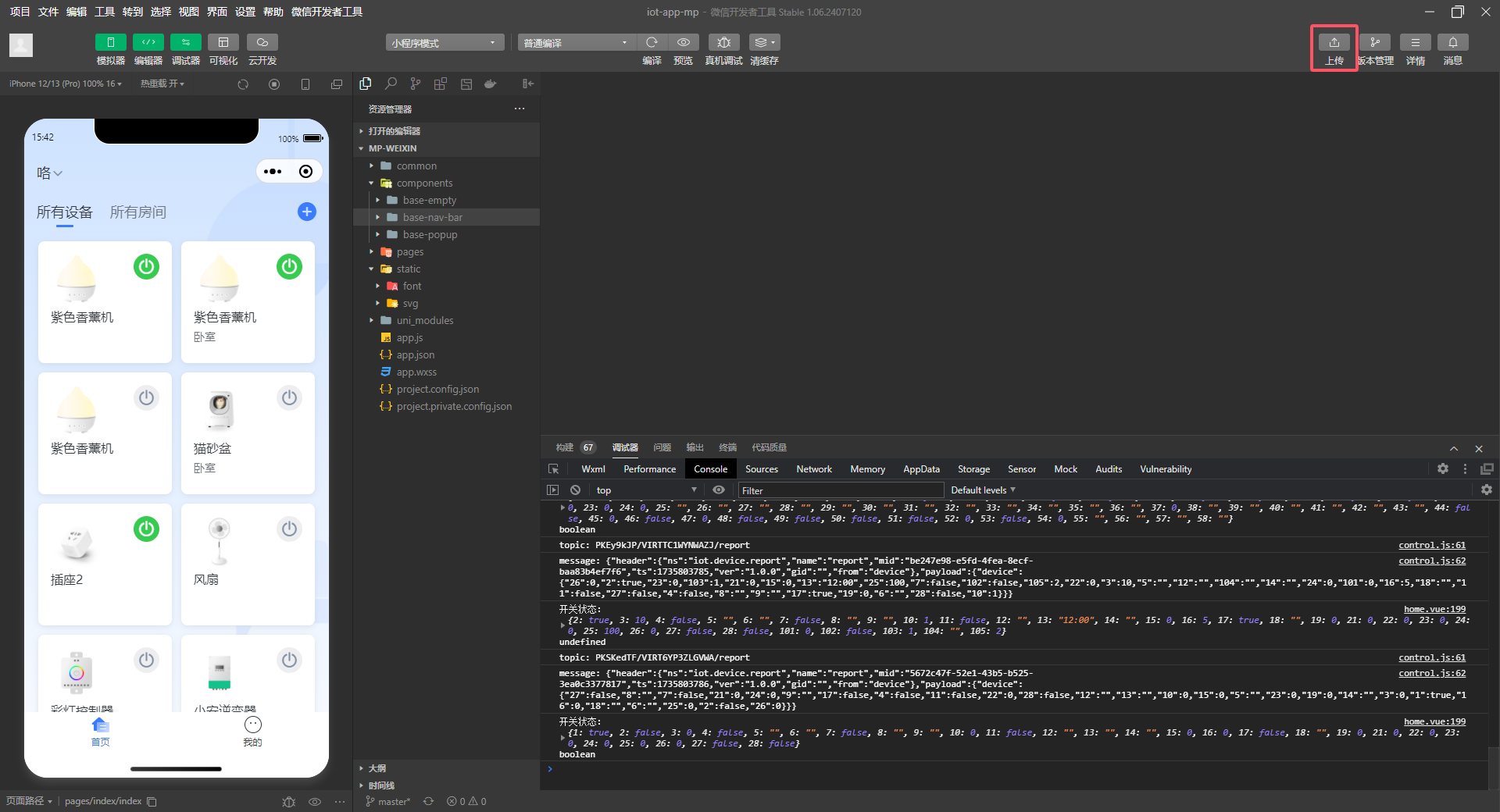
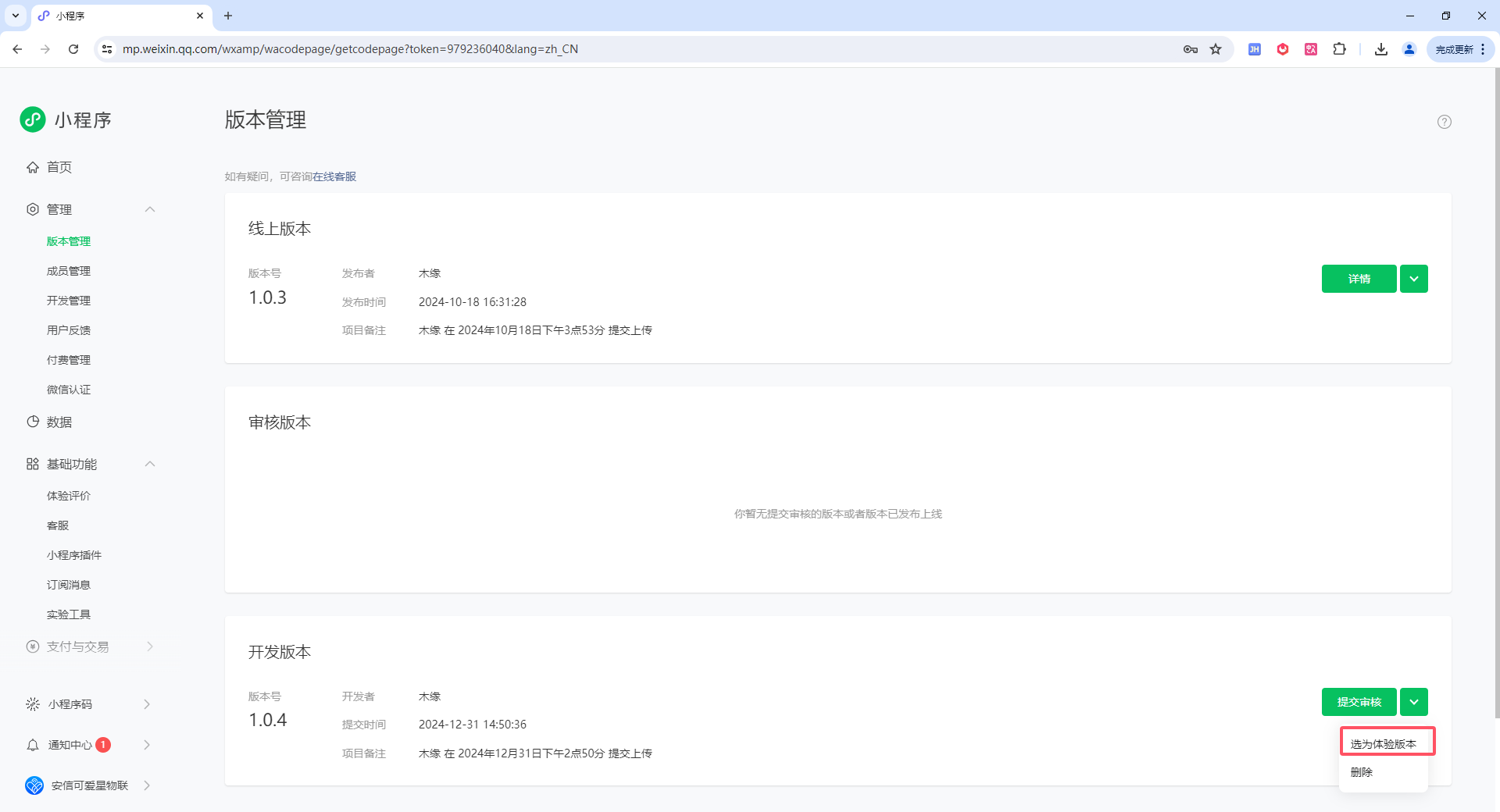
Open WeChat DevTools and click Upload in the upper-right corner. Sign in to the WeChat Mini Program Admin Console, set the uploaded build as a trial version, and scan the QR code to test the mini program.
V. Publish the Mini Program
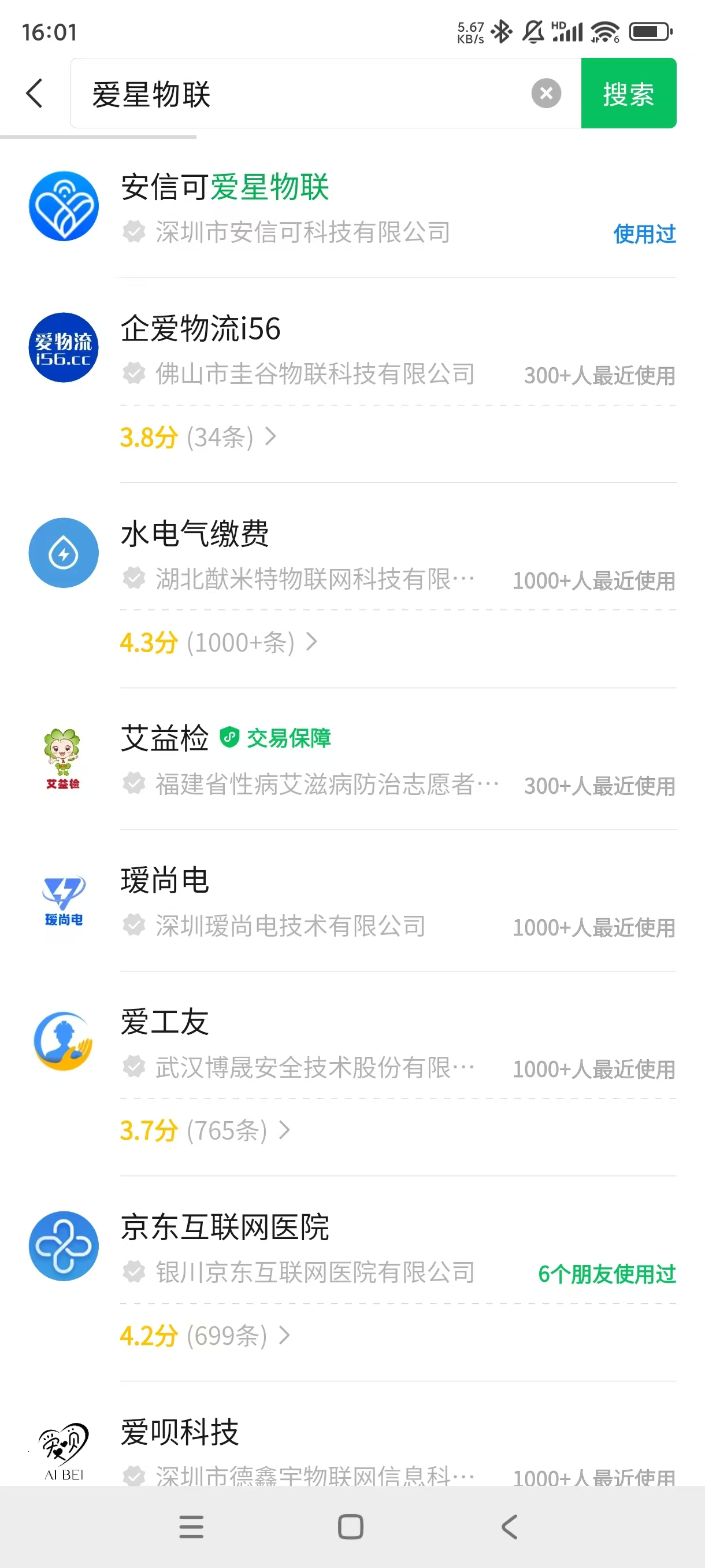
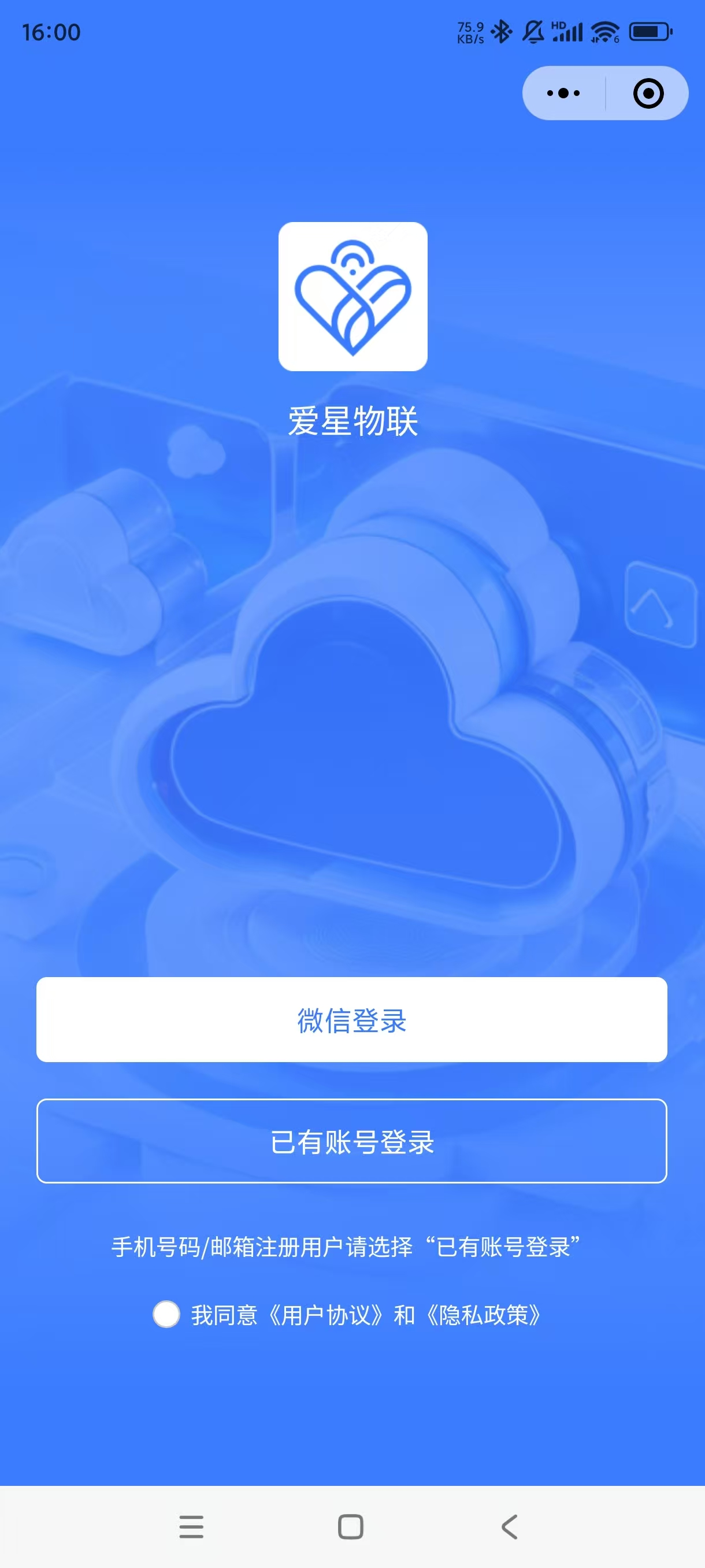
Sign in to the WeChat Mini Program Admin Console and submit the mini program for review. After it passes WeChat review, release it as the production version. Users can then search for the mini program by name in WeChat.