Basic Configuration
Product configuration covers device feature settings that deliver a high-quality, personalized experience for end users, and can be updated in real time without replacing hardware.
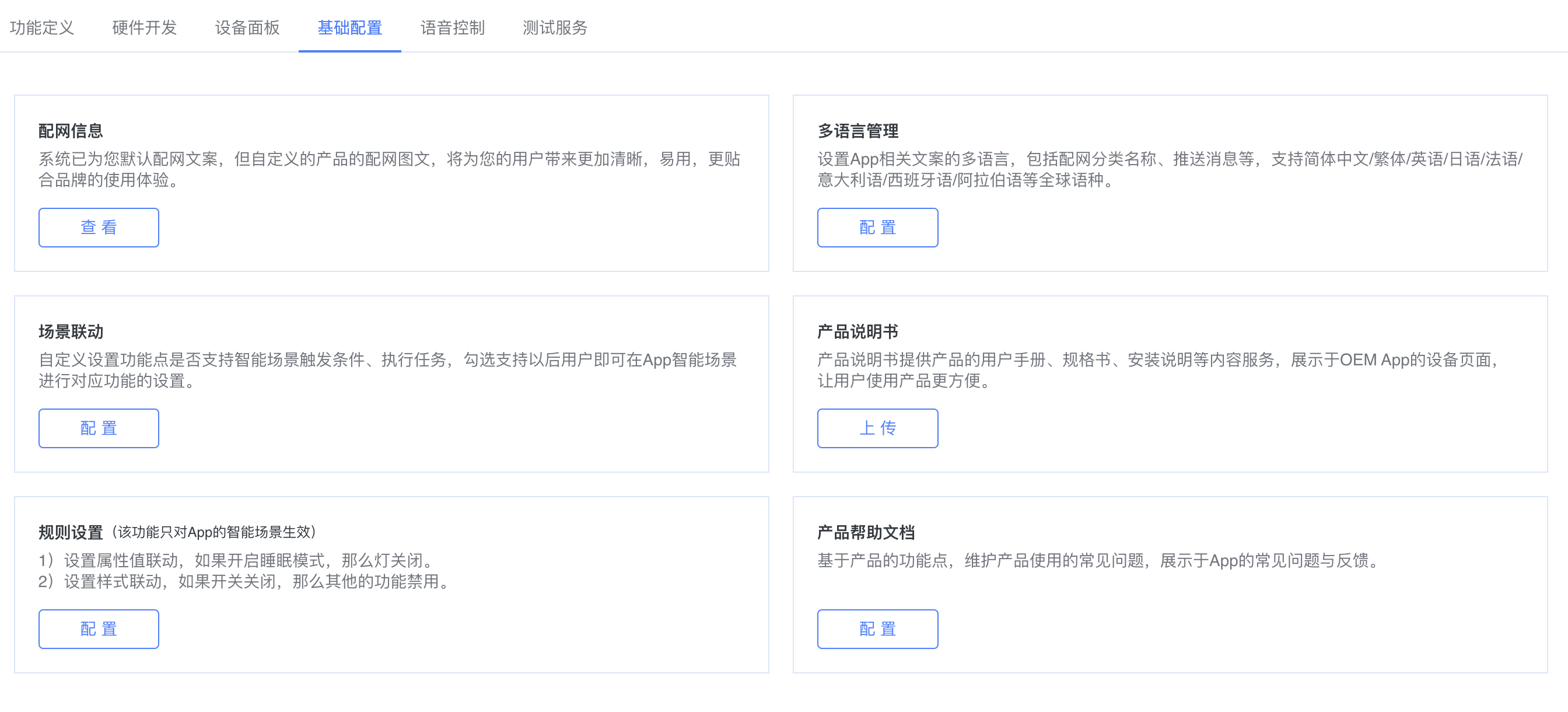
I. Device provisioning information
l Supports 1–4 multi-step flows.
l Each step requires Chinese copy, English copy, and an image/video.
l After configuration, users can view the corresponding device provisioning instructions when manually adding a device in the App.

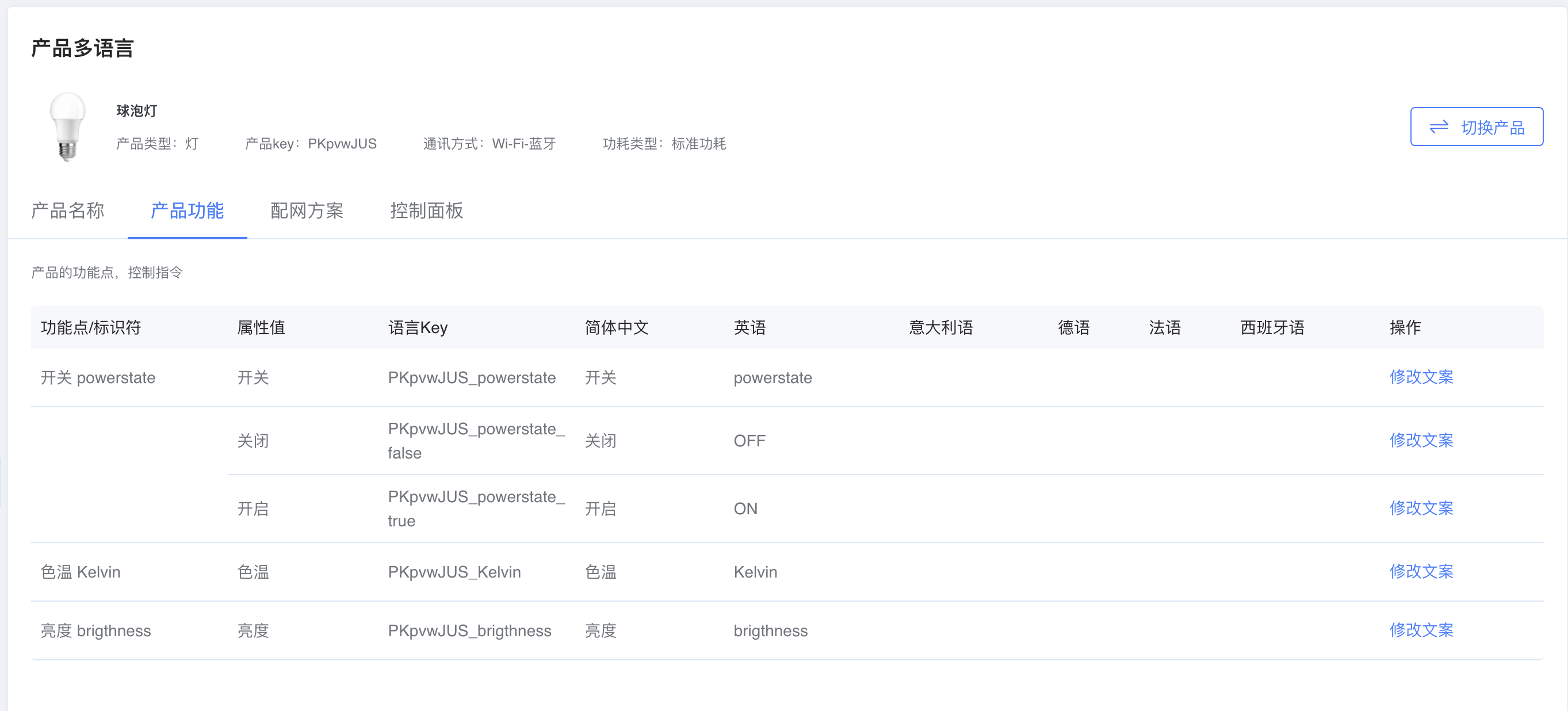
II. Multilingual management
Supports language configuration for the product name, product features, device provisioning solution, and control panel.
III. Product manual
Supports uploading a PDF product manual, shown on the App device page to help users operate the product more easily.
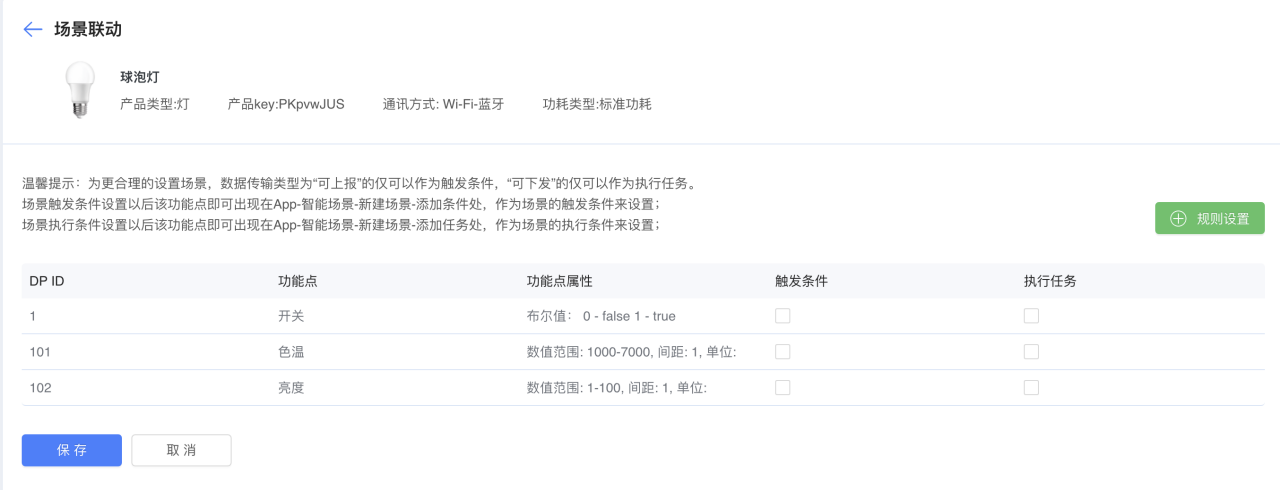
IV. Scene linkage
You can customize whether a DP supports smart scene trigger conditions and actions. After enabling support, users can configure the corresponding feature in App smart scenes.
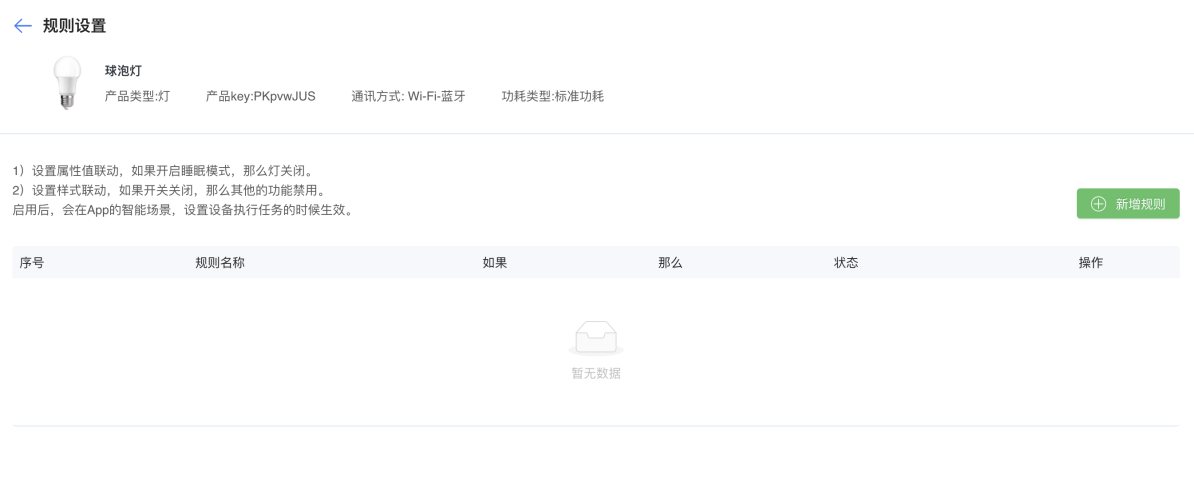
V. Rule settings
Supports property linkage—for example, enabling Sleep mode turns the light off.
Supports style linkage—for example, when the switch is off, other features are disabled.
Once enabled, rules take effect in App smart scenes when setting device action tasks.
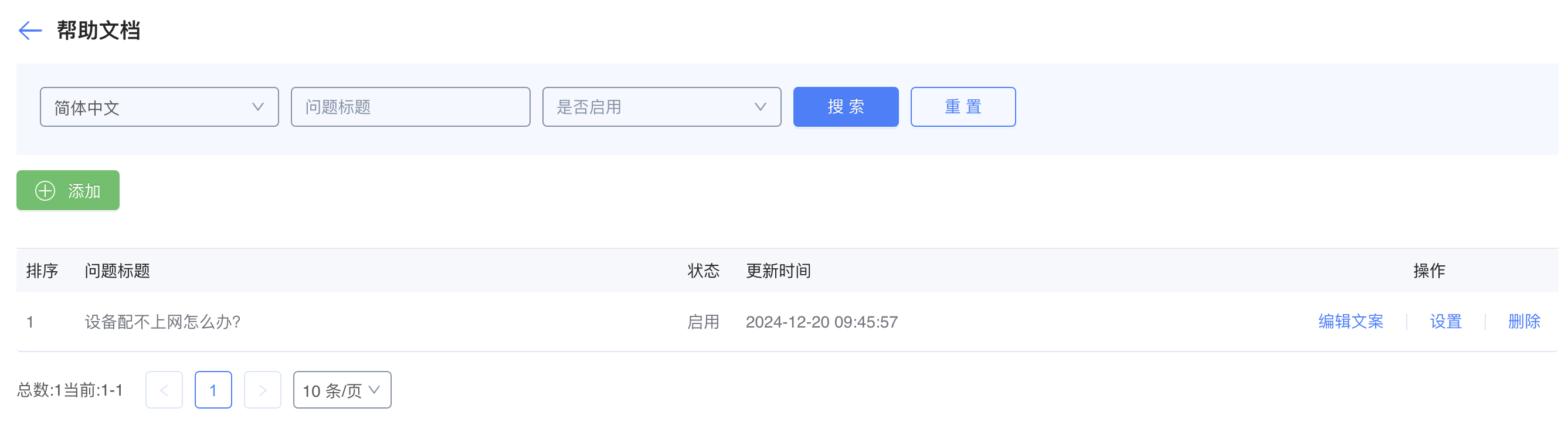
VI. Product help docs
Maintain FAQs based on product DPs, shown under App FAQ & Feedback.