Google FCM
Firebase Cloud Messaging (FCM) is Google's cross-platform push notification service.
Prerequisites
- You already have a Google account.
- Users in mainland China need a VPN to access the Firebase console.
Steps
Open and sign in to Google Firebase
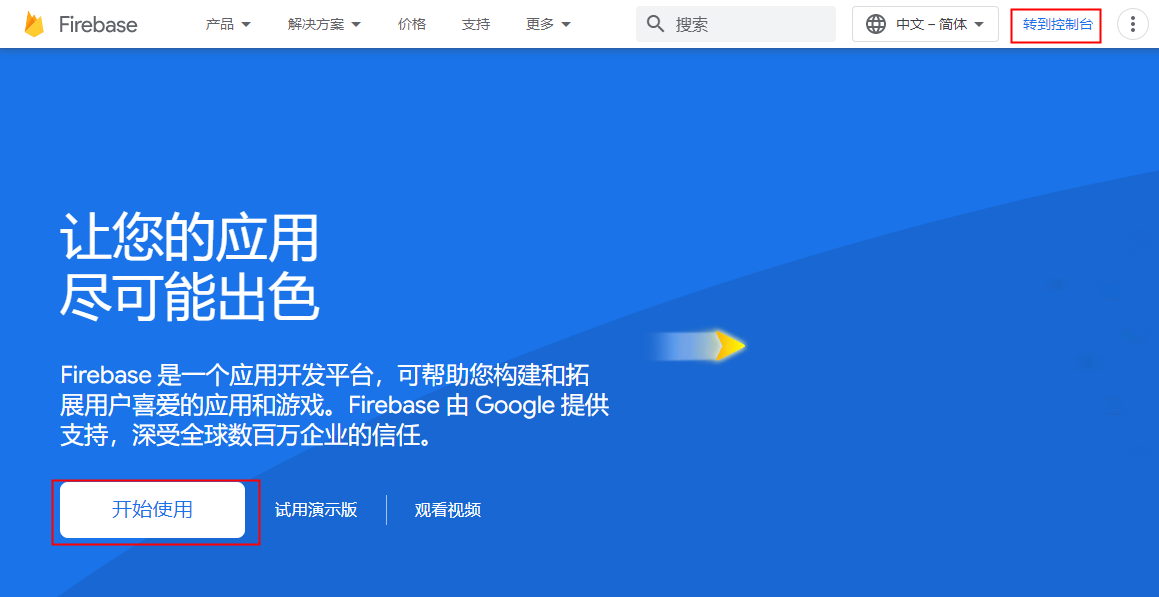
Click Get started or Go to console.
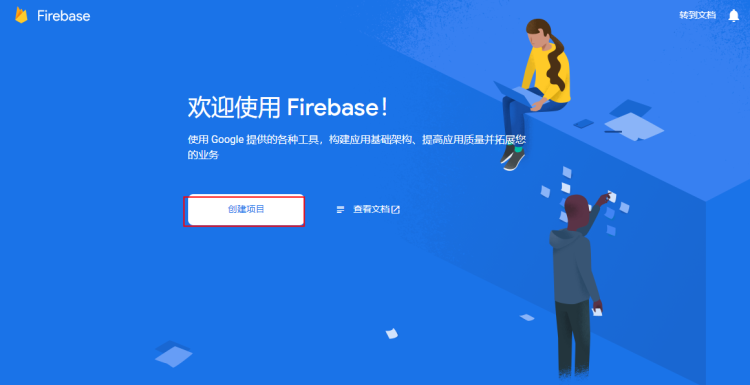
Click Create a project.
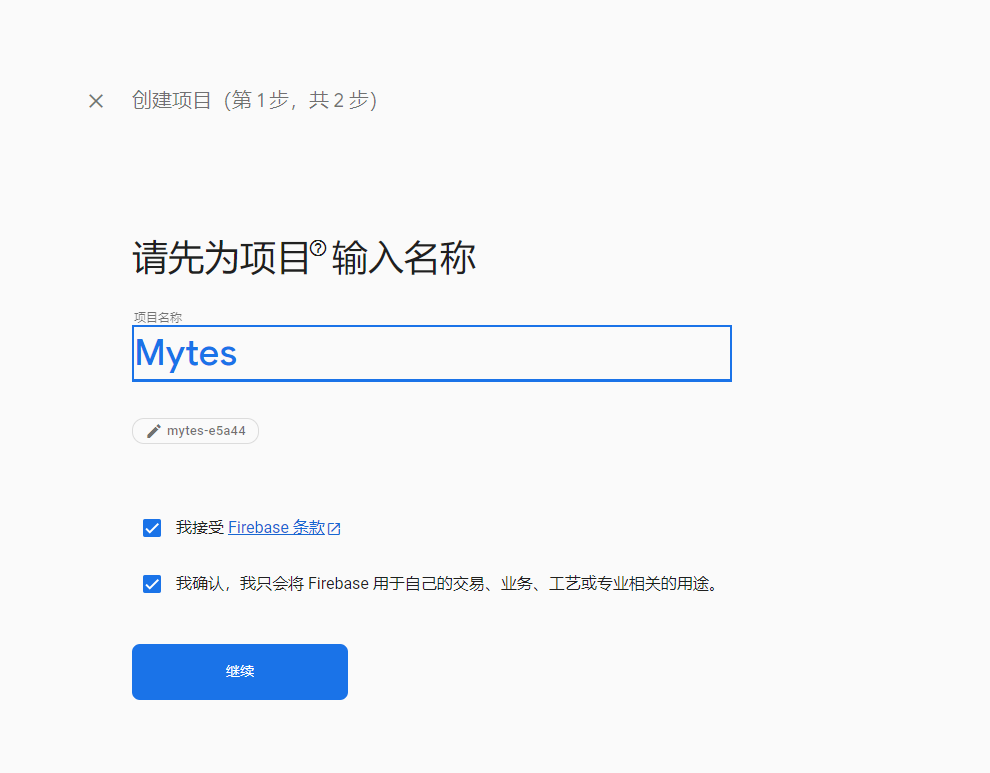
Enter the new project name, accept the terms and confirm the purpose, then click Continue.
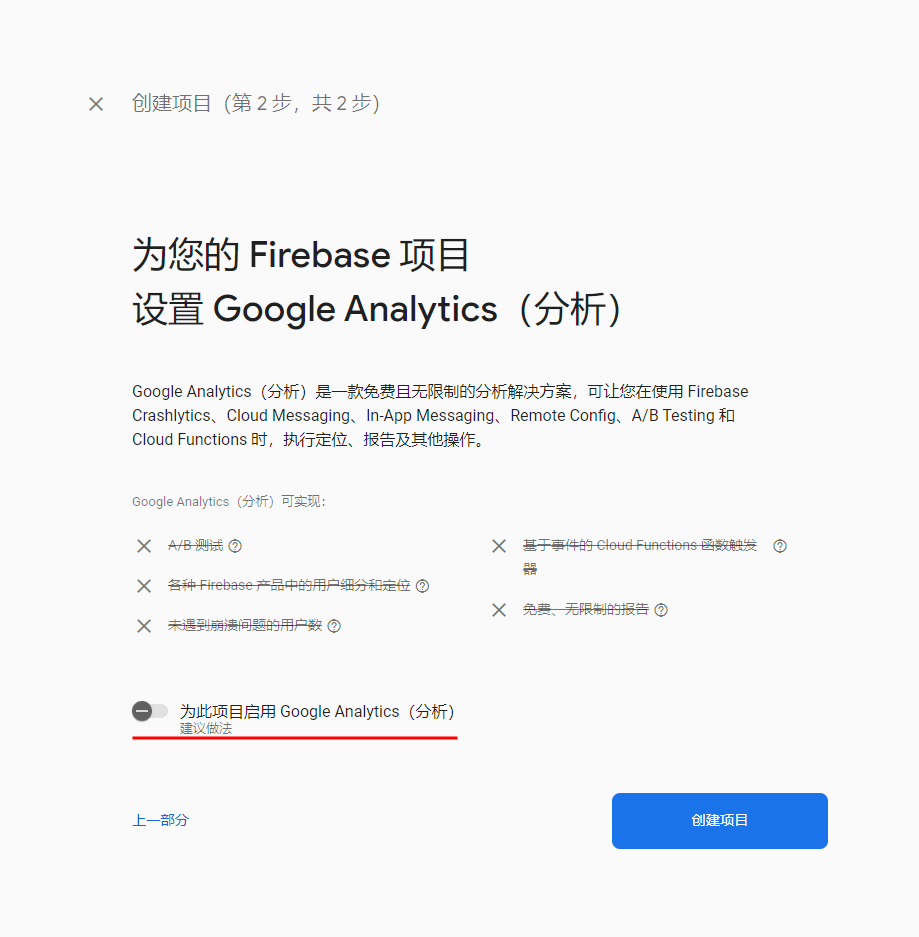
Turn off Google Analytics (optional—you may leave it on), then click Create project.
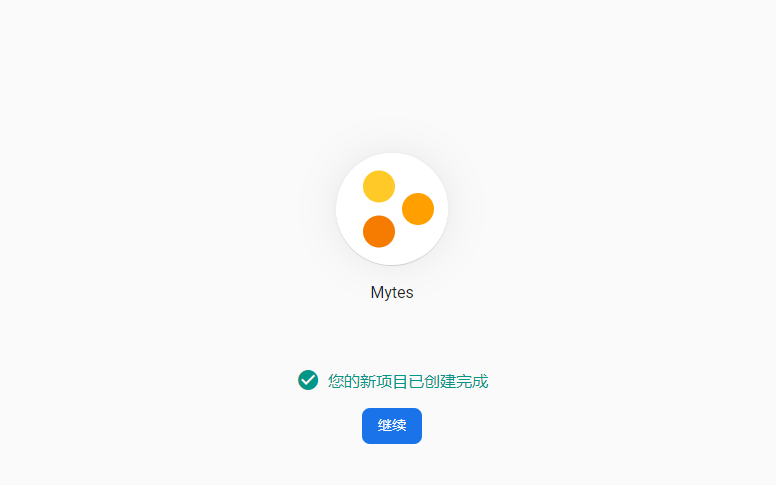
Click Continue.
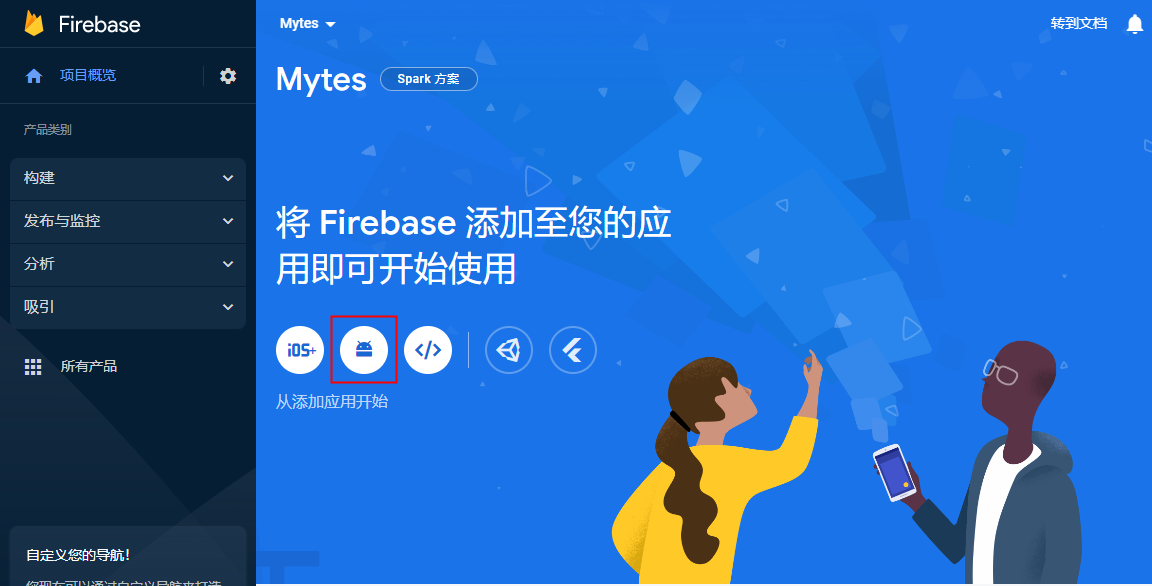
After the project is created, add an app by clicking the Android button in the middle.
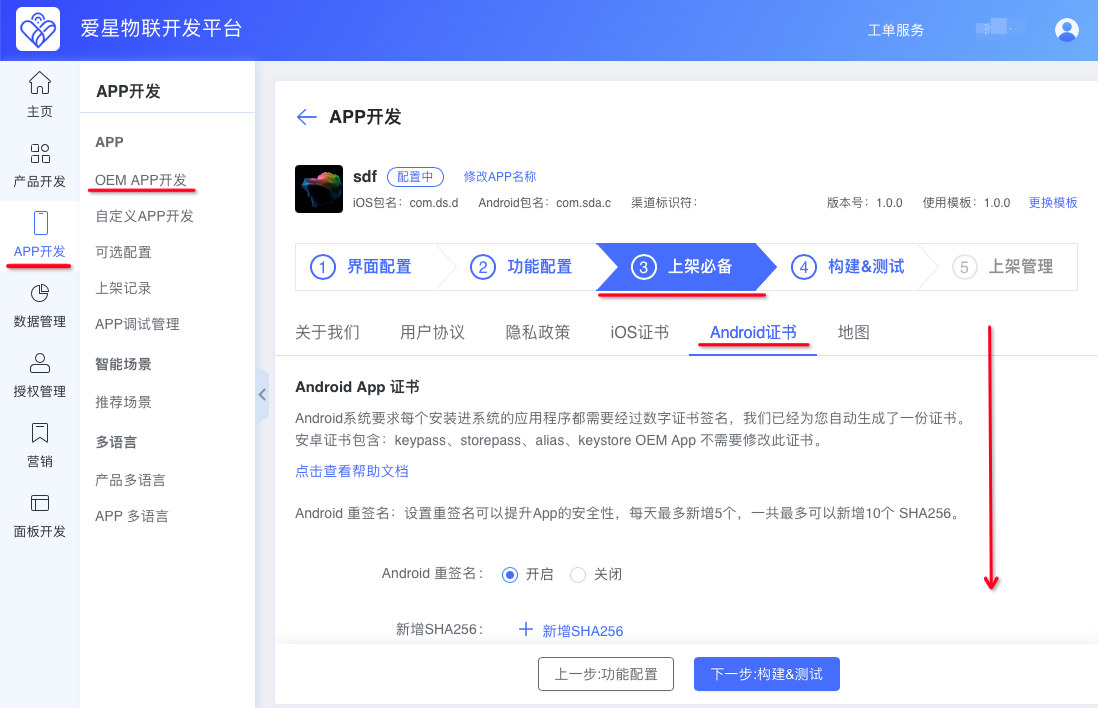
Enter the app information. Copy the Android package name from the Ubases IoT development platform. The app nickname is optional; you can use the App name. Click Register app.
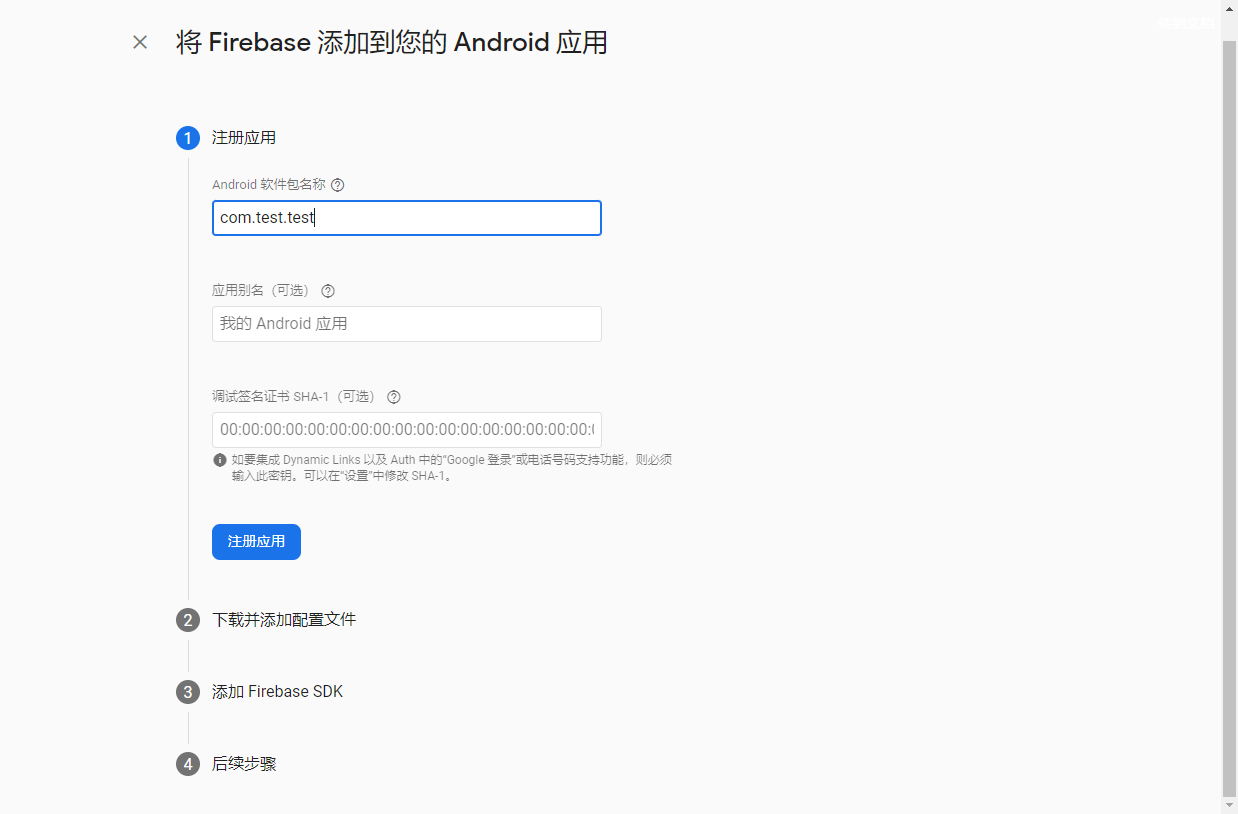
This is where you copy the Android package name.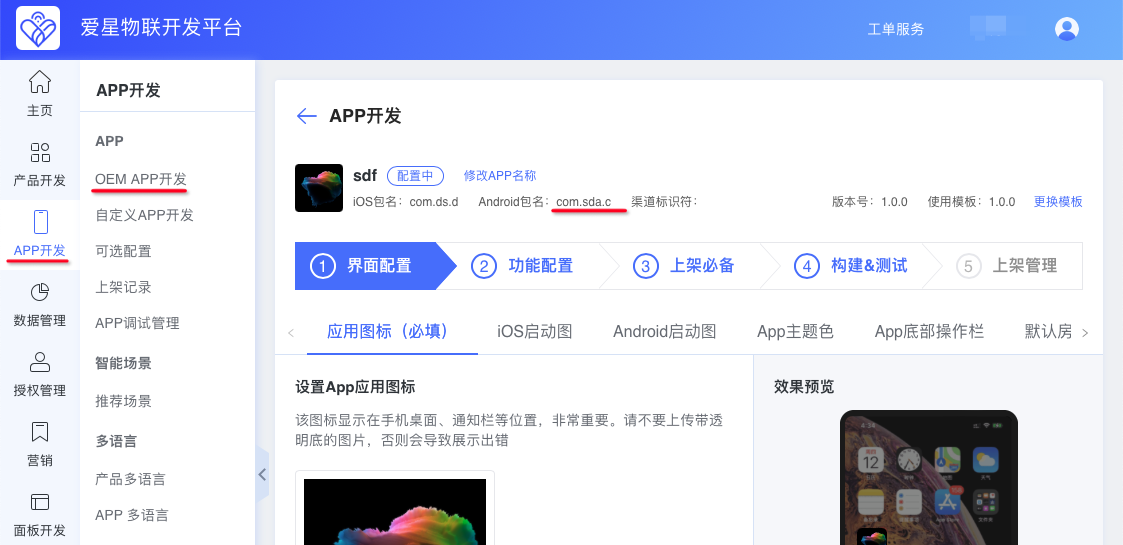
Click Next.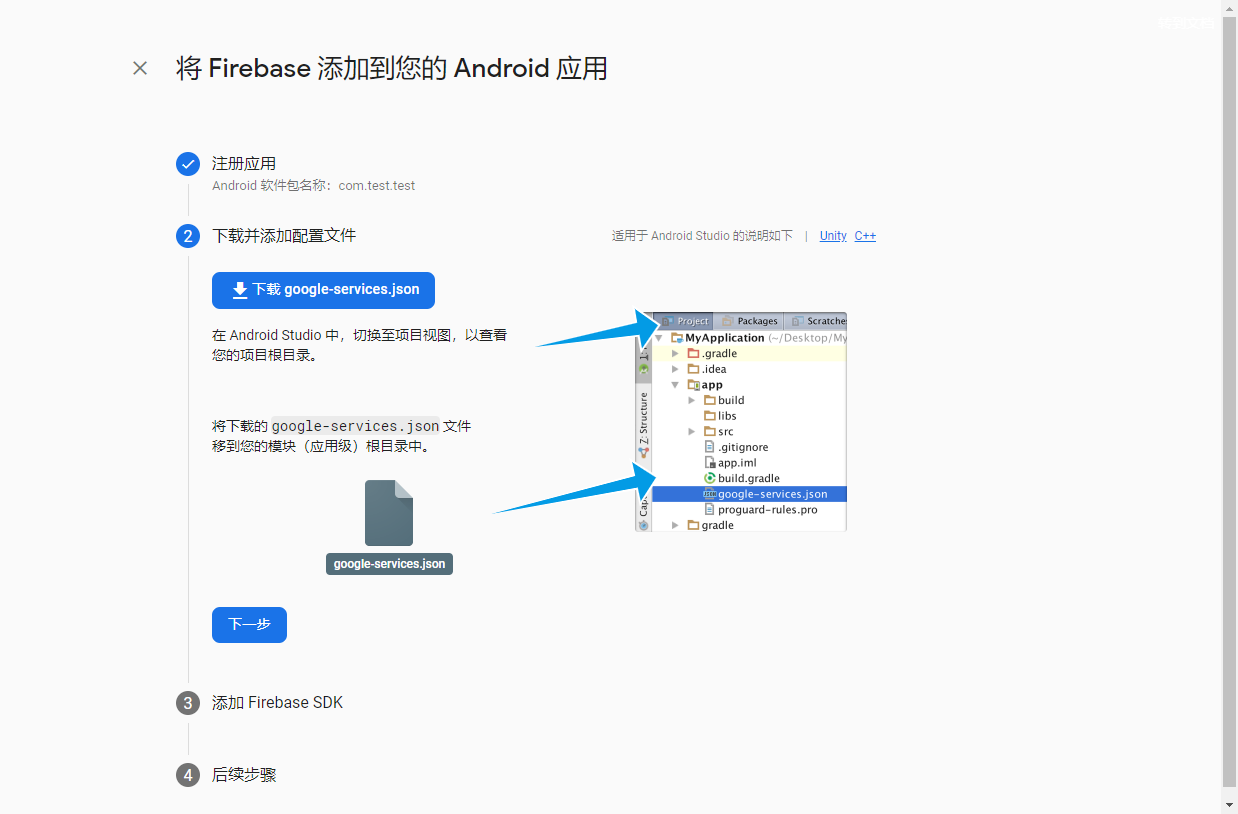
Click Next.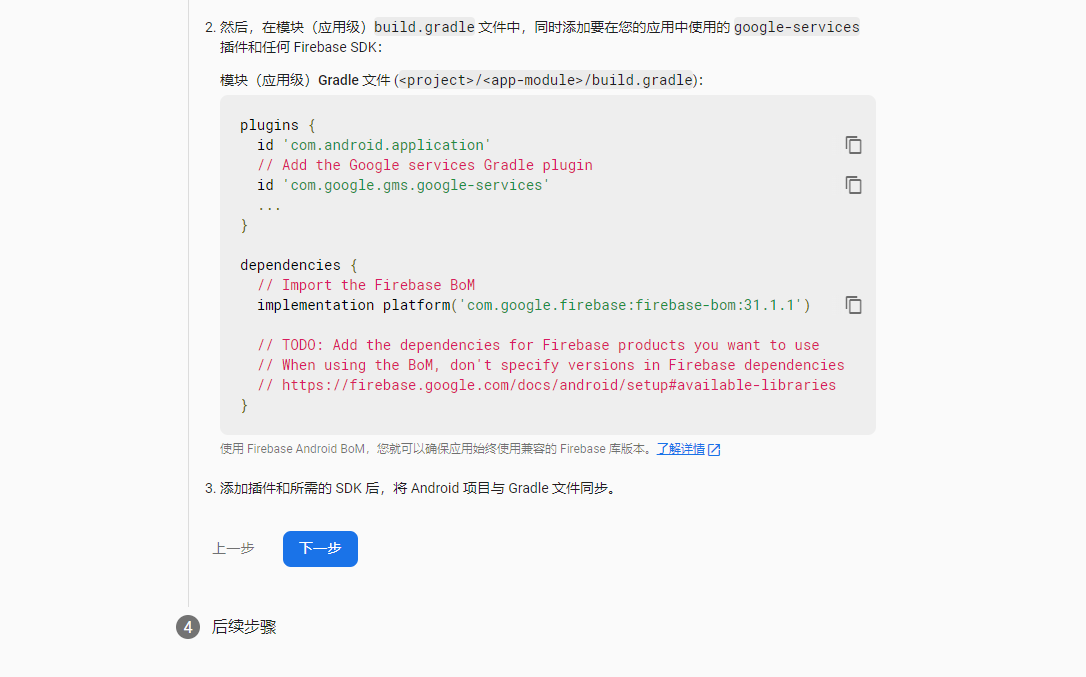
Click Continue to console.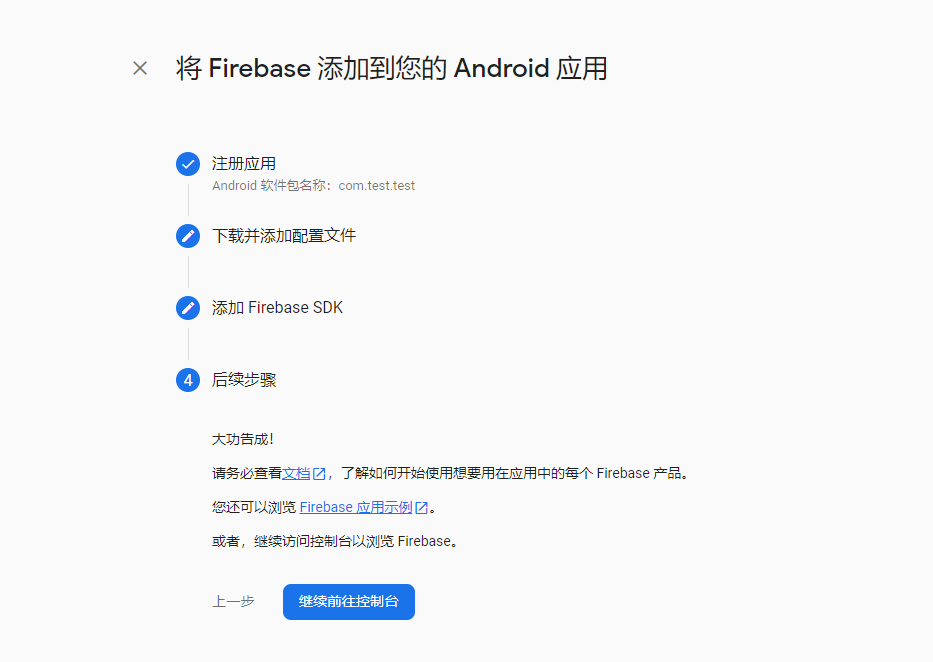
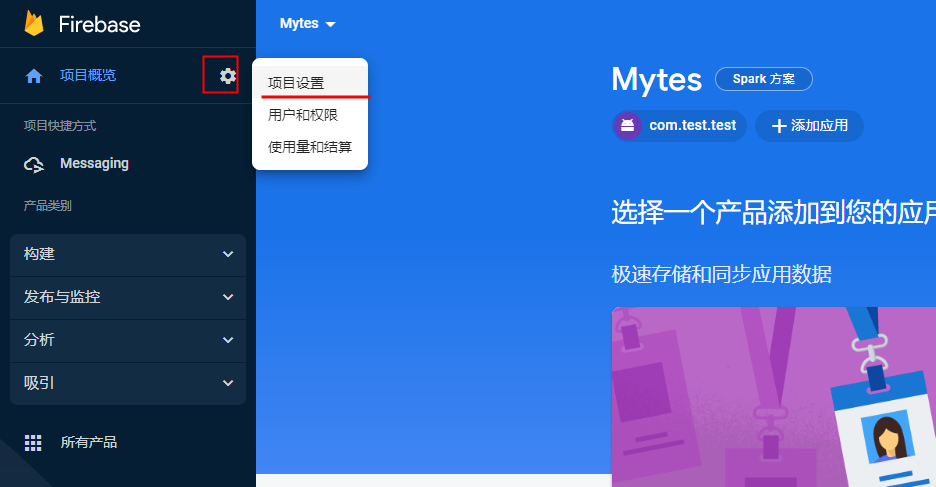
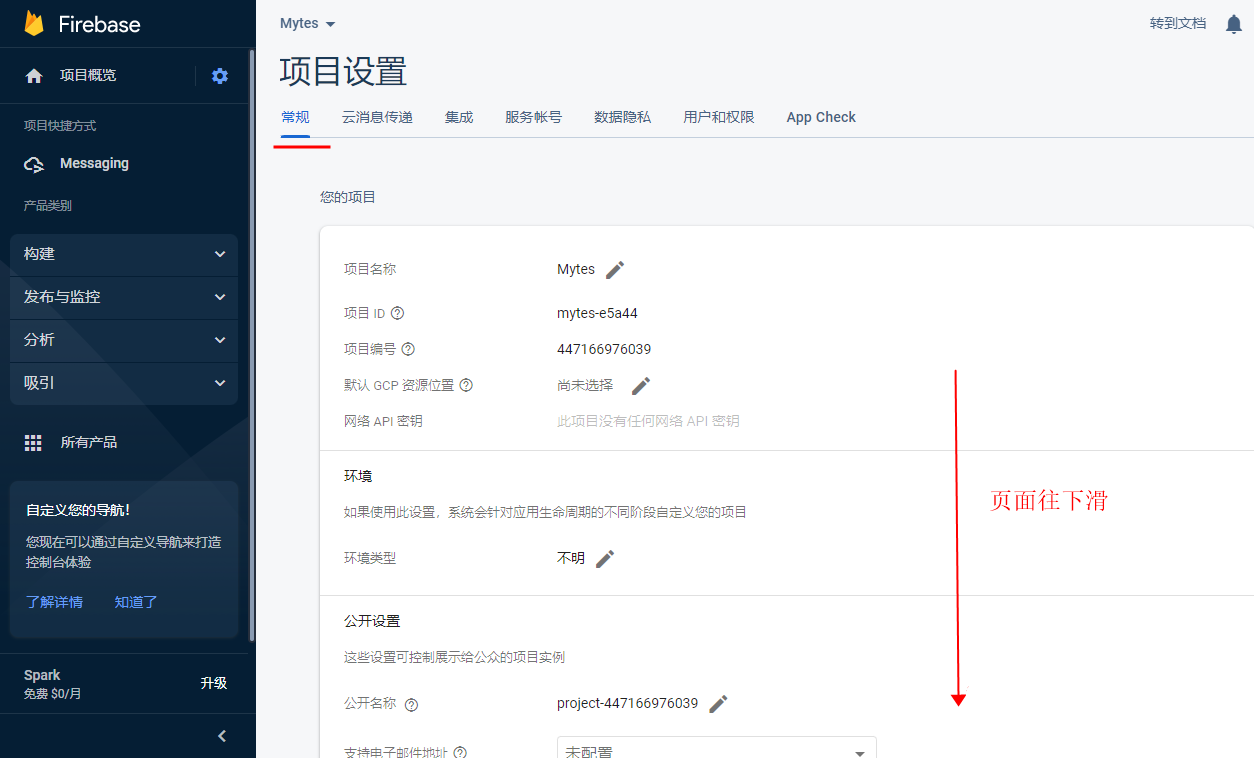
In the console, click the settings icon, then Project settings.
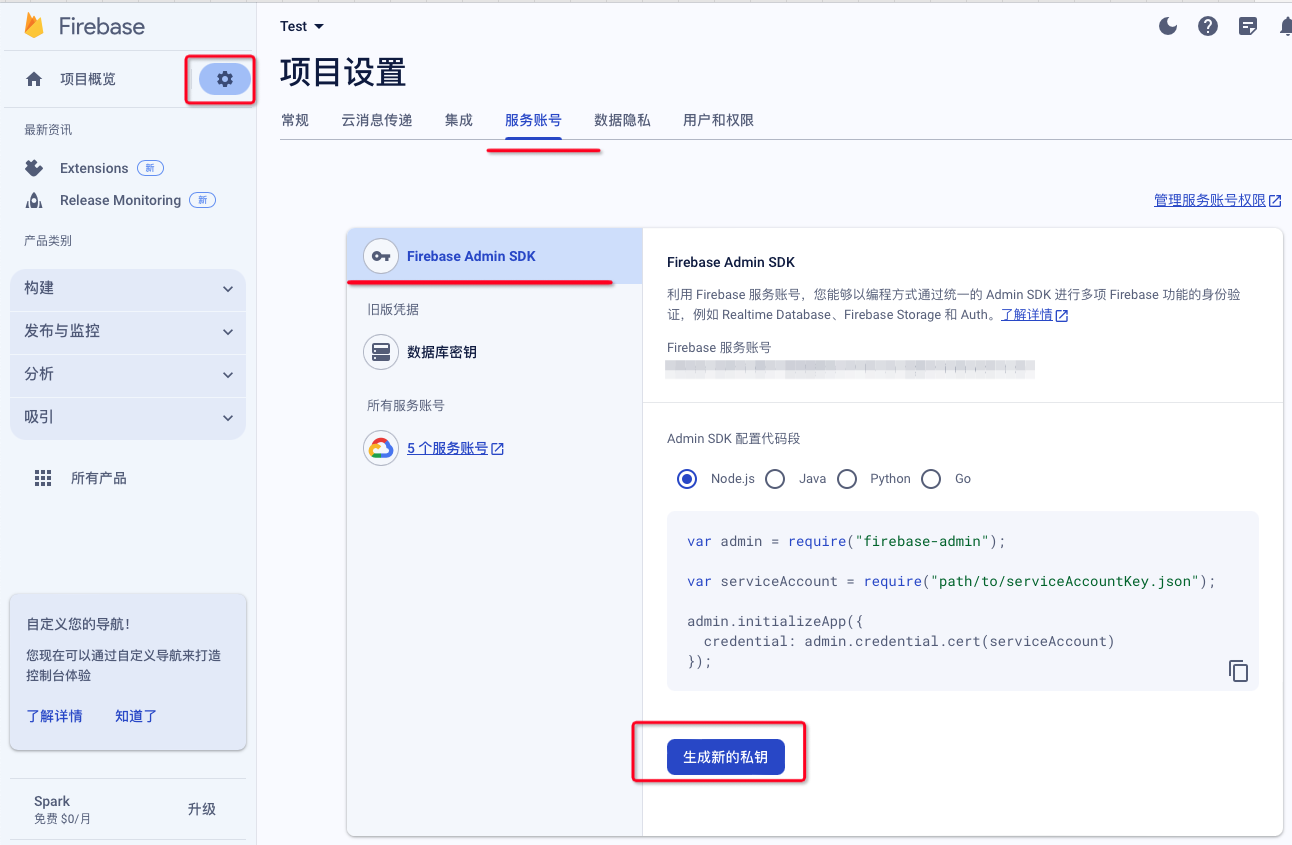
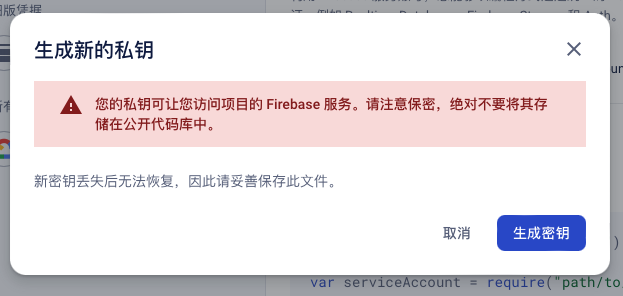
Click Service accounts > Generate new private key. A private-key JSON file is downloaded to your computer.
Click General, scroll to the Android app section, and click google-services.json to download the file.
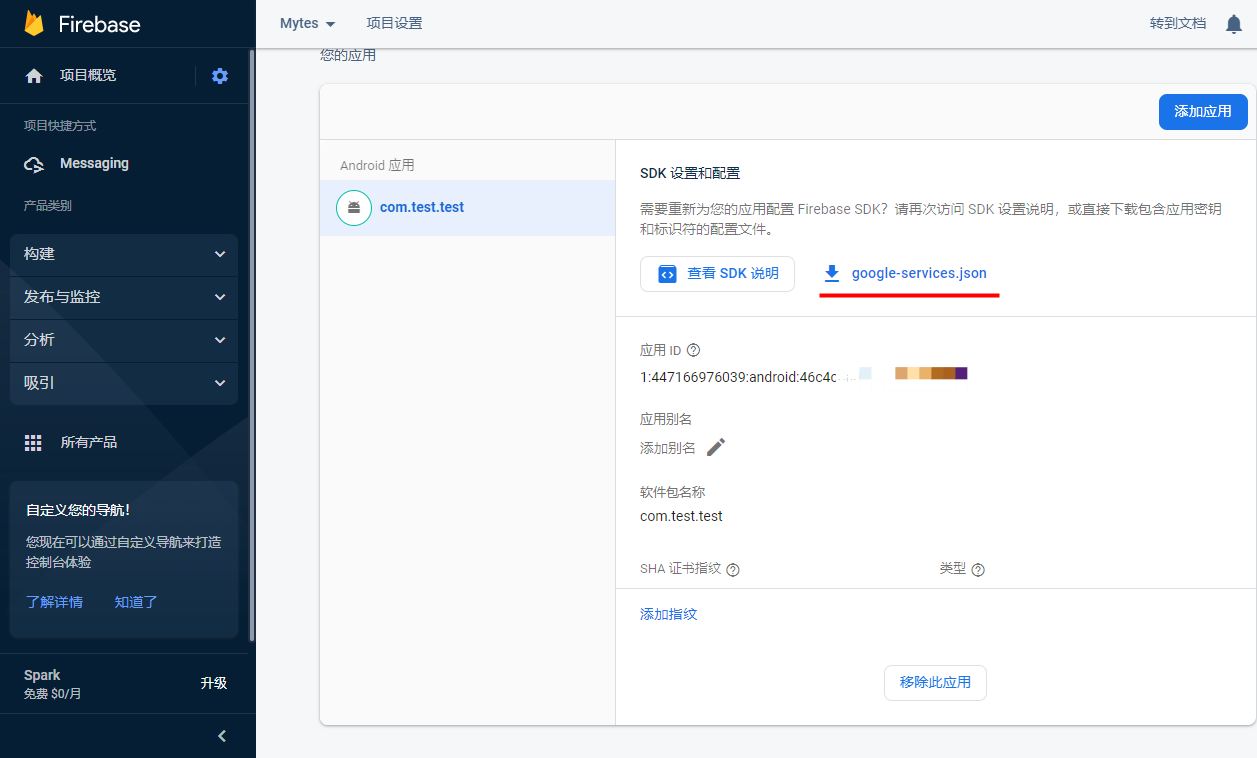
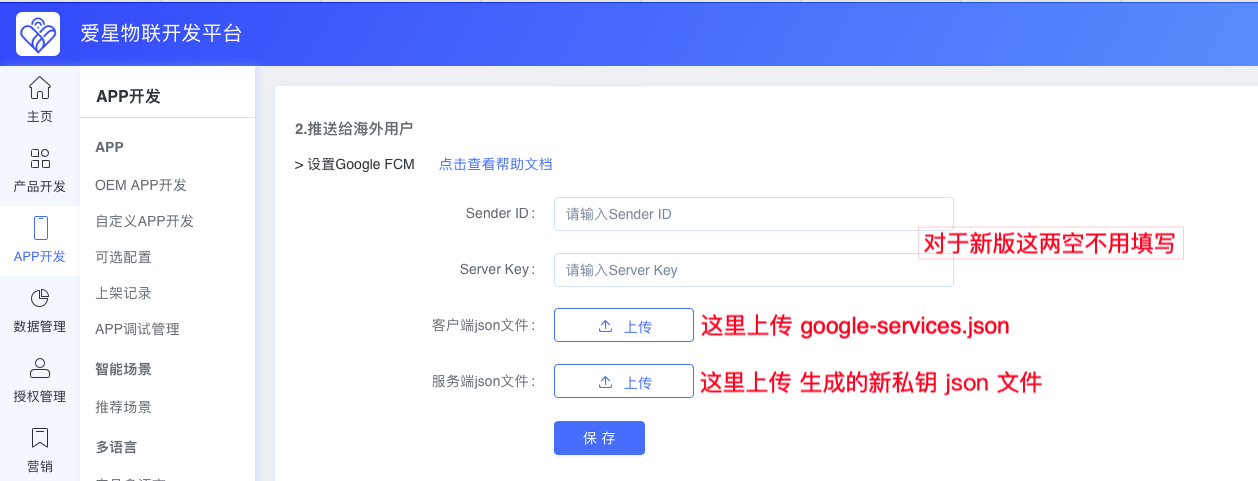
Upload the private-key JSON file and google-services.json to the Ubases IoT Open Platform, then click Save.